

Download our completely free template
Monthly rota template
Who's in on the 14th? Covered for the bank holiday weekend? A monthly rota template answers all of that in one view, instead of piecing it together a week at a time. You plan cover further ahead, spot the gaps while there's still time to fix them, and give your team enough notice to plan their lives around their shifts. This free monthly rota template does the basics well: shifts laid out day by day across the month, with total hours and labour costs worked out for you.

How to use the template
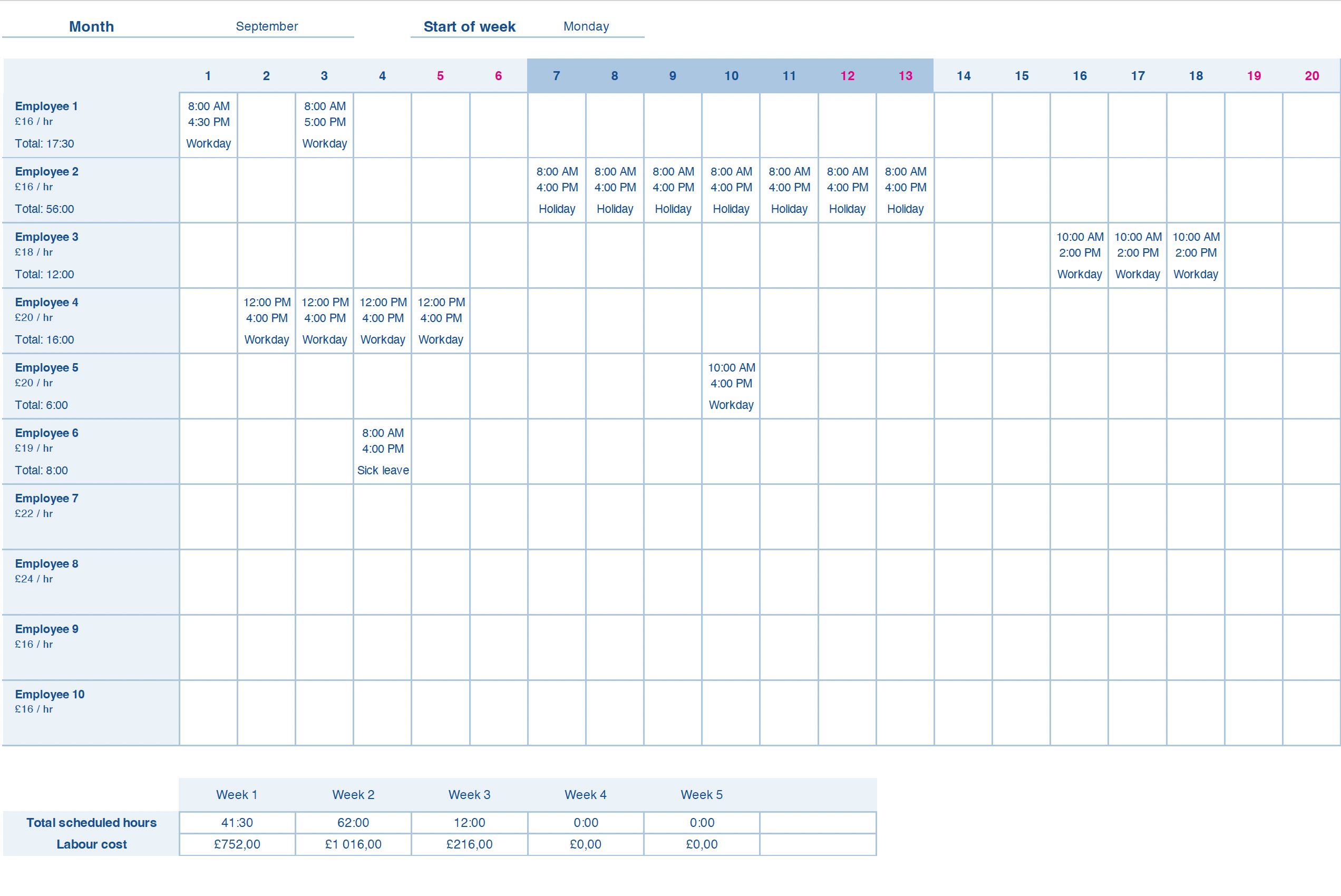
Once you've downloaded the monthly rota template, add your team's names and hourly rates, then fill in their shifts for each day of the month.
Set the first day of the month at the top and the dates fill in for you. You can also set which day the week starts on. Make sure the shift times match your contracts, and keep an eye on the totals and labour costs the sheet works out as you go.
What's included?
This monthly rota template covers a full calendar month on one sheet, with a day-by-day breakdown for each person underneath the month view.
It calculates total hours and labour costs for you, per person and per week, based on the hourly rates you enter. There's a separate tab for your team's names and rates, and another for shift types, so you can mark each day as a workday, time off, sick leave, or holiday.
A spreadsheet, until it isn't
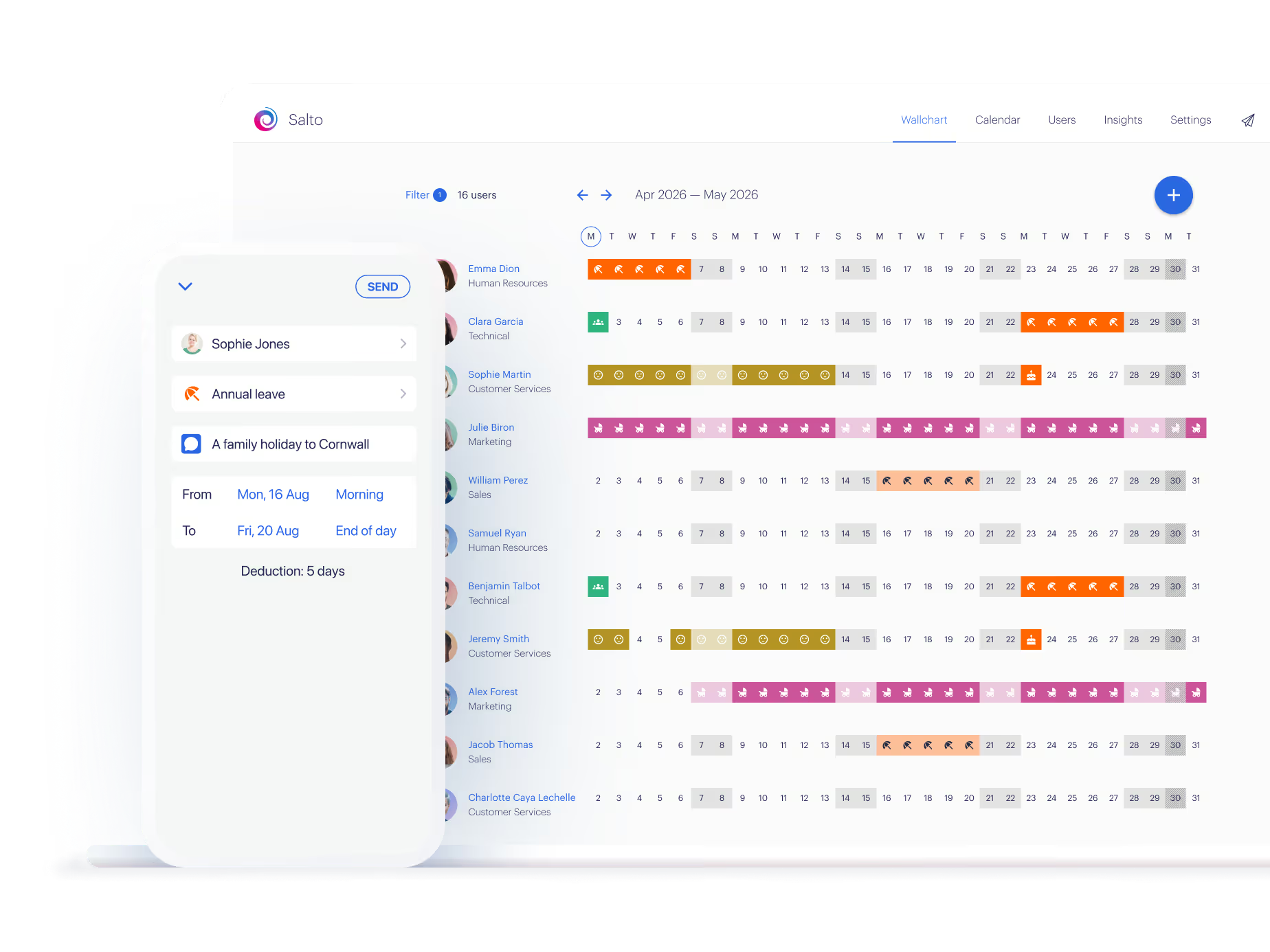
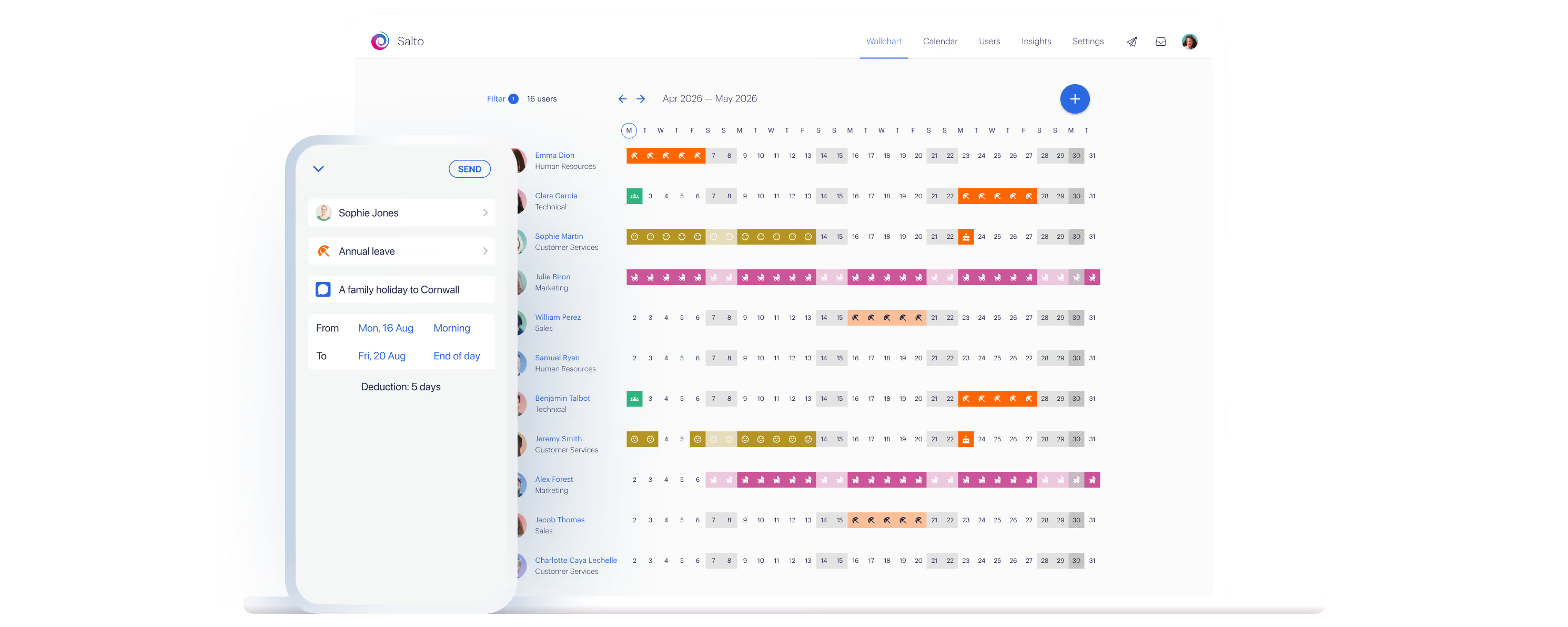
A monthly template works while the pattern holds. It starts to creak when someone needs to swap a shift, when a new starter joins mid-month, or when you're rekeying the same rota into a group chat so everyone can see it. Rota & Time Clock, the newest part of Timetastic, lets you build the month in minutes and publish it straight to your team's phones, so they see their shifts the moment it's live.
Post an open shift and only the right people get notified. And because leave and rotas sit together, booked holiday shows up on the rota automatically. Used by over 200,000 people. Start a free trial, no card needed. Or keep the template. It does the basics well.

Get one month free!
Lawyers, accountants, web design agencies, car dealers, manufacturers, online retailers, charities, coffee roasters – over 7,000 businesses like yours manage staff absence with Timetastic.
Free for one month—no card required
The policy wording
Monthly rota template
Use a monthly rota when shifts follow a repeating pattern or your team needs plenty of notice; use a weekly one when staffing changes a lot week to week or demand is too unpredictable to plan a month out. Monthly rotas are common in UK sectors that run steady shift cycles, like care, hospitality, retail, and security, where a month's visibility helps everyone plan ahead. A monthly rota makes it clear who's working, when, and for how long across the whole month, so you can balance cover across busy and quiet spells and spot holiday clashes early. Many businesses run both: a monthly view for the big picture, a weekly one for the detail.
Set the first day of the month at the top of the sheet and the dates populate automatically. For each person, enter their shift start and end times on the days they're working, and leave a day blank if they're not scheduled. Under each shift you can set a shift type: workday, time off, sick leave, or holiday. The sheet then totals each person's hours and works out labour costs from the hourly rates you've entered, both per week and across the month.
Your team's names and hourly rates live in the staff tab. To add a new person, insert three rows, copy an existing person's block into them, then update the name and rate in the staff tab. Their totals and labour costs then calculate the same way as everyone else's. Shift types work the same way in their own tab: if you need one that isn't there, like a specific role or a bank holiday, add it and it becomes available to select against any shift.
Block in the fixed points first, opening hours, known busy periods, and booked annual leave, then build the rota around them. Work role by role rather than person by person, so you can confirm every part of the operation is covered on each day before deciding who fills each slot. A month-long view lets you catch a thin day weeks ahead and fix it in good time.
200,000+ people book their time off here
Set it up for your team before the next request lands.