

Download our completely free template
Staff timesheet template
Accurate timesheets mean accurate pay. This free template gives you a simple, consistent way to record the hours your team actually works, track overtime, and keep a clear record for payroll. No formulas to build, no formatting to wrestle with. Just fill in the times.
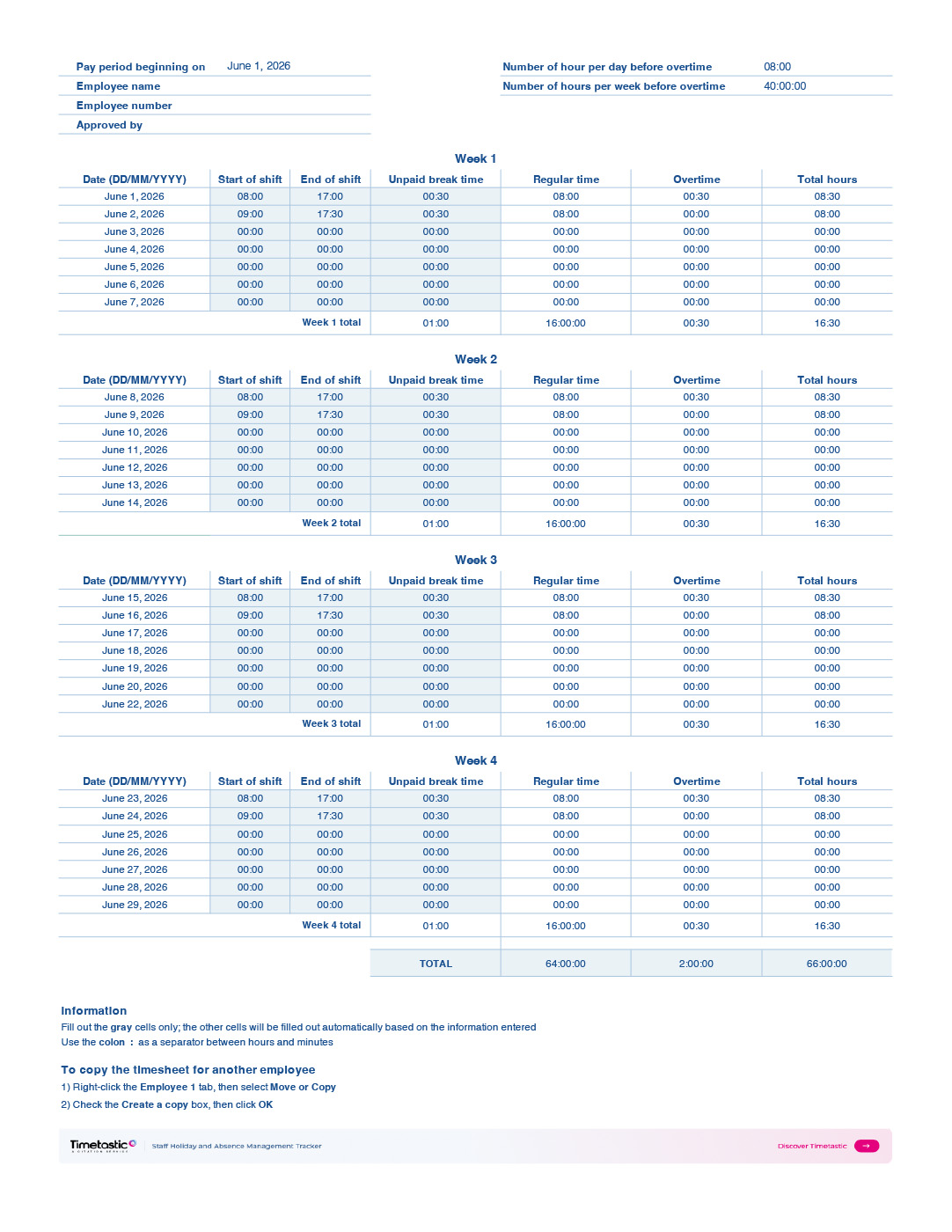

How to use the template
Each sheet covers one person. Enter the pay period start date, the person’s name, and their employee number at the top.
For each working day, fill in the clock-in time, clock-out time, and any unpaid break in HH:MM format (for example, 00:30 for a 30-minute break). Regular hours, overtime, and total hours are calculated automatically based on the daily and weekly limits you set.
At the end of the pay period, a manager signs off in the “Approved by” field before the sheet goes to payroll. To create a timesheet for another person, right-click the tab and duplicate it.
Check that the hours align with your contracts of employment and Working Time Regulations obligations. If in doubt, seek advice from an employment law specialist.
What’s included?
This timesheet template covers a two-week pay period with a row for each day. It calculates regular hours, overtime, and total hours automatically once you enter clock-in and clock-out times and any break duration.
You can set two overtime thresholds: one for daily hours (default 8 hours) and one for weekly hours (default 40 hours). The formulas handle both, so overtime is tracked accurately whether it builds up in a single day or across the week.
There’s an “Approved by” field for manager sign-off, and the pay period start date auto-populates the full date range. Each sheet is for one person. To add more people, duplicate the tab. If you need to track a full month, duplicate the sheet and adjust the start date.

Get one month free!
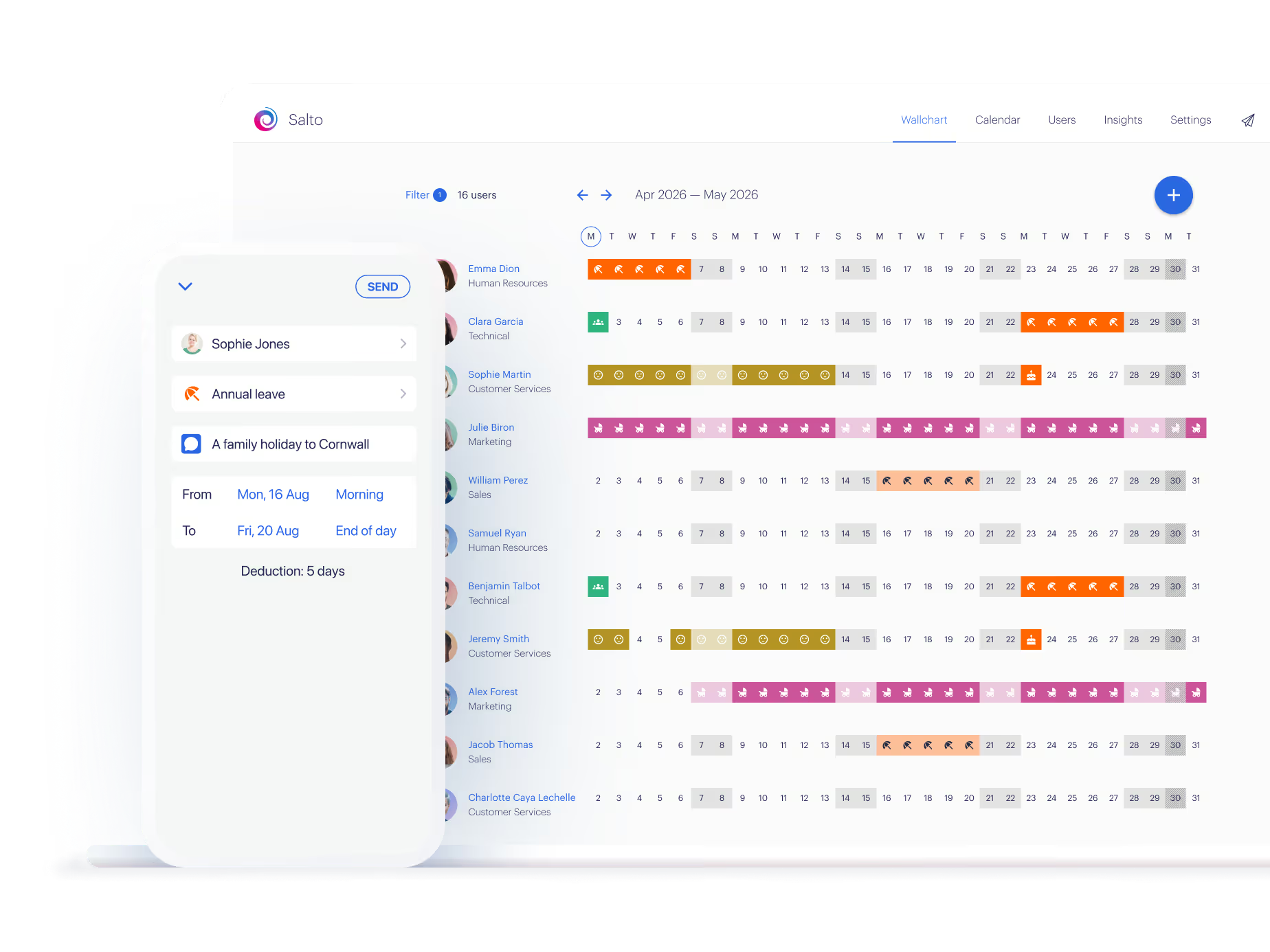
Lawyers, accountants, web design agencies, car dealers, manufacturers, online retailers, charities, coffee roasters – over 7,000 businesses like yours manage staff absence with Timetastic.
Free for one month—no card required
The policy wording
Staff timesheet template
A timesheet is a record of the hours someone actually worked during a pay period. It’s used to calculate pay accurately, track overtime, and demonstrate compliance with the Working Time Regulations if you ever need to.
For businesses with hourly or shift-based workers, accurate timesheets are essential. Estimates and manual calculations introduce errors that add up quickly across a team and across a year.
Enter the pay period start date at the top. The dates for each day in the two-week period will populate automatically.
For each working day, enter the clock-in and clock-out times in HH:MM format, for example, 09:00 and 17:30. If there was an unpaid break, enter the duration in HH:MM format in the break column, for example, 00:30 for half an hour.
Regular hours and overtime are calculated automatically based on two limits set at the top of the sheet: hours per day before overtime, with a default of 8, and hours per week before overtime, with a default of 40. Adjust both to match your contracts.
The template tracks overtime at two levels. If someone's hours in a single day exceed the daily limit, which defaults to 8 hours, the extra time counts as overtime. If total regular hours in a week exceed the weekly limit, which defaults to 40 hours, the excess is reclassified as overtime too.
Both thresholds are adjustable at the top of the sheet. The formulas handle the rest, but it’s your responsibility to check that overtime rates are applied correctly in payroll.
Under the Working Time Regulations 1998, employers must keep records that demonstrate workers aren’t exceeding the 48-hour weekly average. HMRC also requires payroll records to be kept for at least three years.
Completed timesheets with manager sign-off are a straightforward way to maintain these records. Keep a copy on file for each pay period.
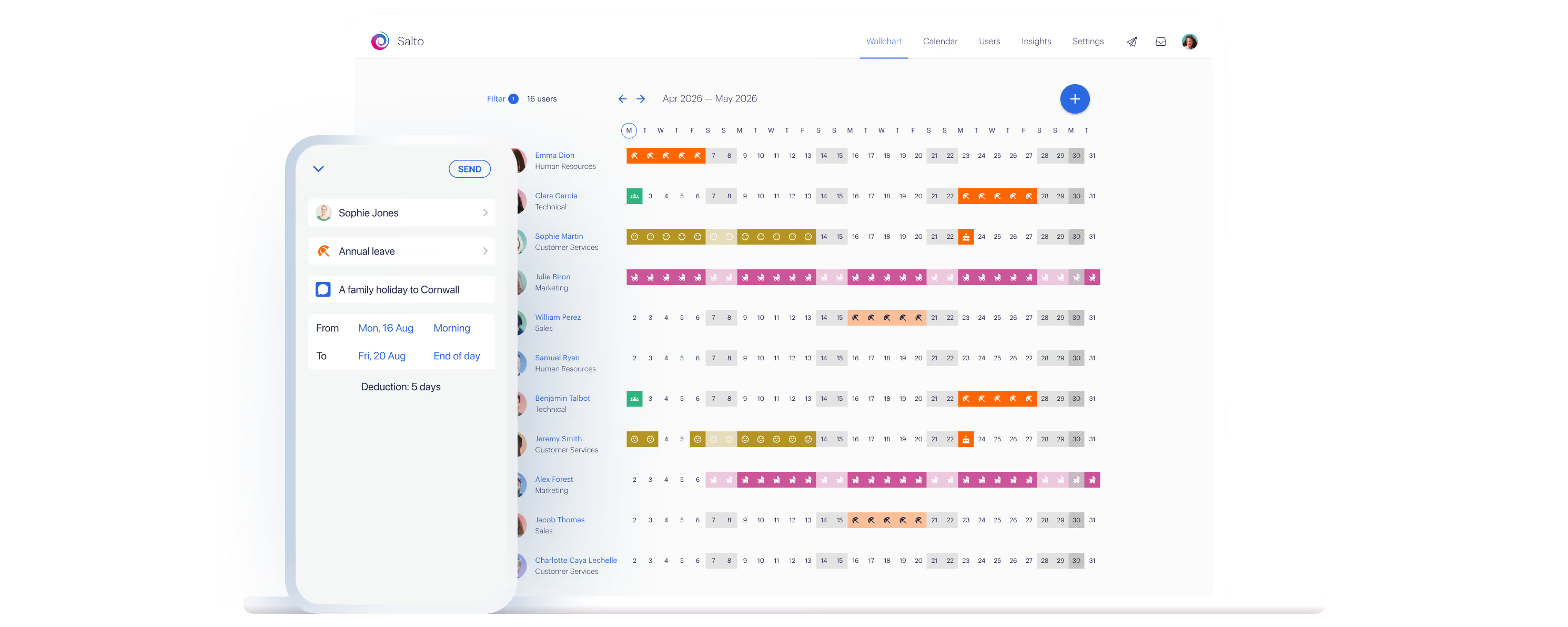
200,000+ people book their time off here
Set it up for your team before the next request lands.