

Download our completely free template
Weekly rota template
A good rota makes life easier for everyone. Your team knows when they’re working, you can plan cover in advance, and there’s no end-of-week confusion about who was supposed to be where. This free weekly rota template does the basics well: shift times, total hours, and labour costs, all calculated automatically.


How to use the template
Add your team’s names and shift times for each day of the week. The Excel version calculates total hours and labour costs automatically.
Make sure the shift times match your contracts, and adjust the start date so the week begins on the right day. If not everyone works the same pattern, duplicate the sheet to keep things tidy.
If you’re not sure your rotas comply with the Working Time Regulations, check with an employment law specialist before publishing them.
What’s included?
This weekly rota template covers seven days with space for up to ten team members. Each row shows start and end times for every day, with total hours and labour costs calculated automatically per person and per day.
There’s also a staff list tab for names and hourly rates, and a roles tab you can use when planning cover. You can assign a role to each shift so it’s clear who’s doing what.

Get one month free!
Lawyers, accountants, web design agencies, car dealers, manufacturers, online retailers, charities, coffee roasters – over 7,000 businesses like yours manage staff absence with Timetastic.
Free for one month—no card required
The policy wording
Weekly rota template
Spreadsheets work up to a point. But as your team grows, things get more complicated: last-minute changes, shift swaps, annual leave clashing with a busy weekend.
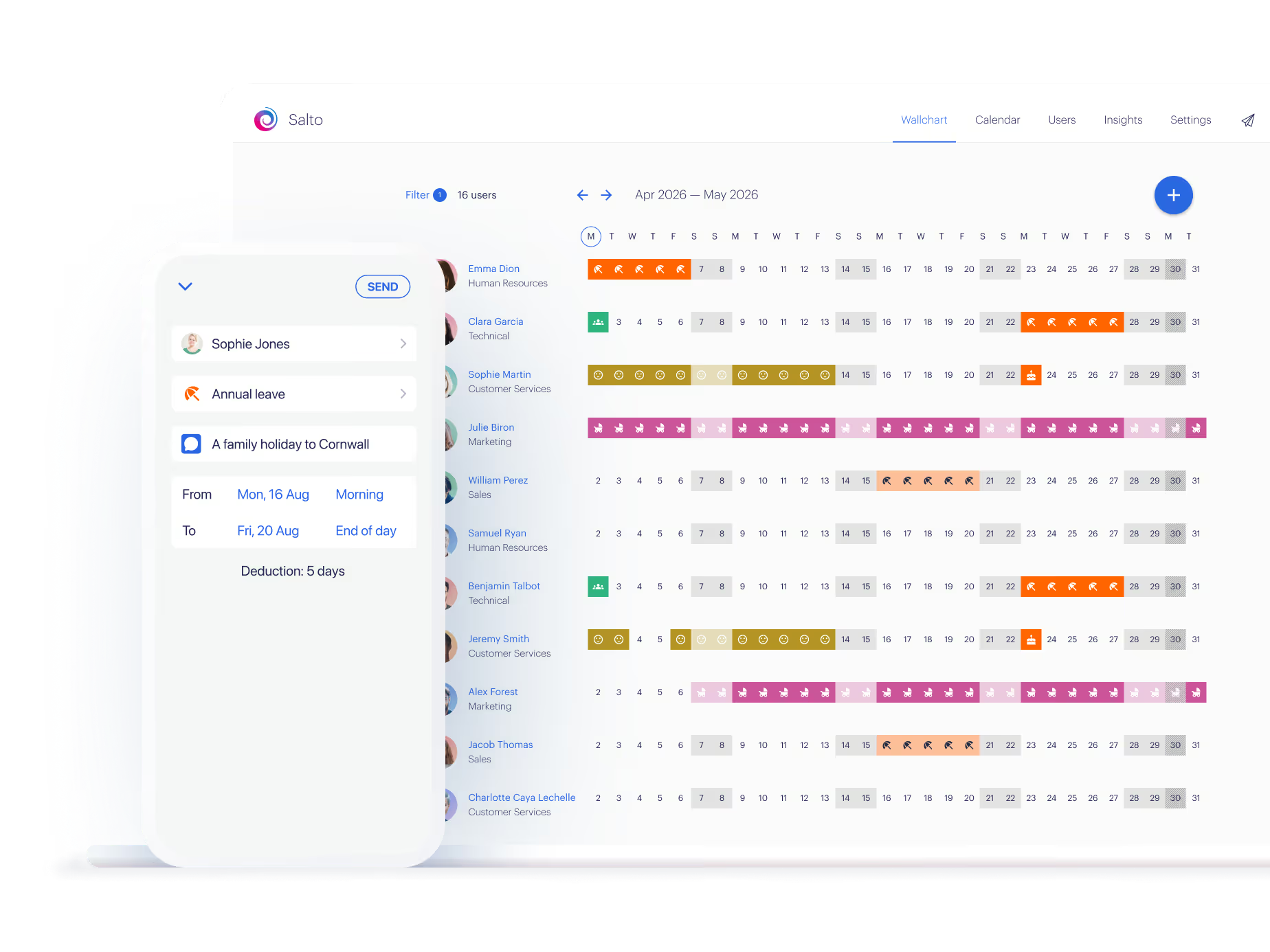
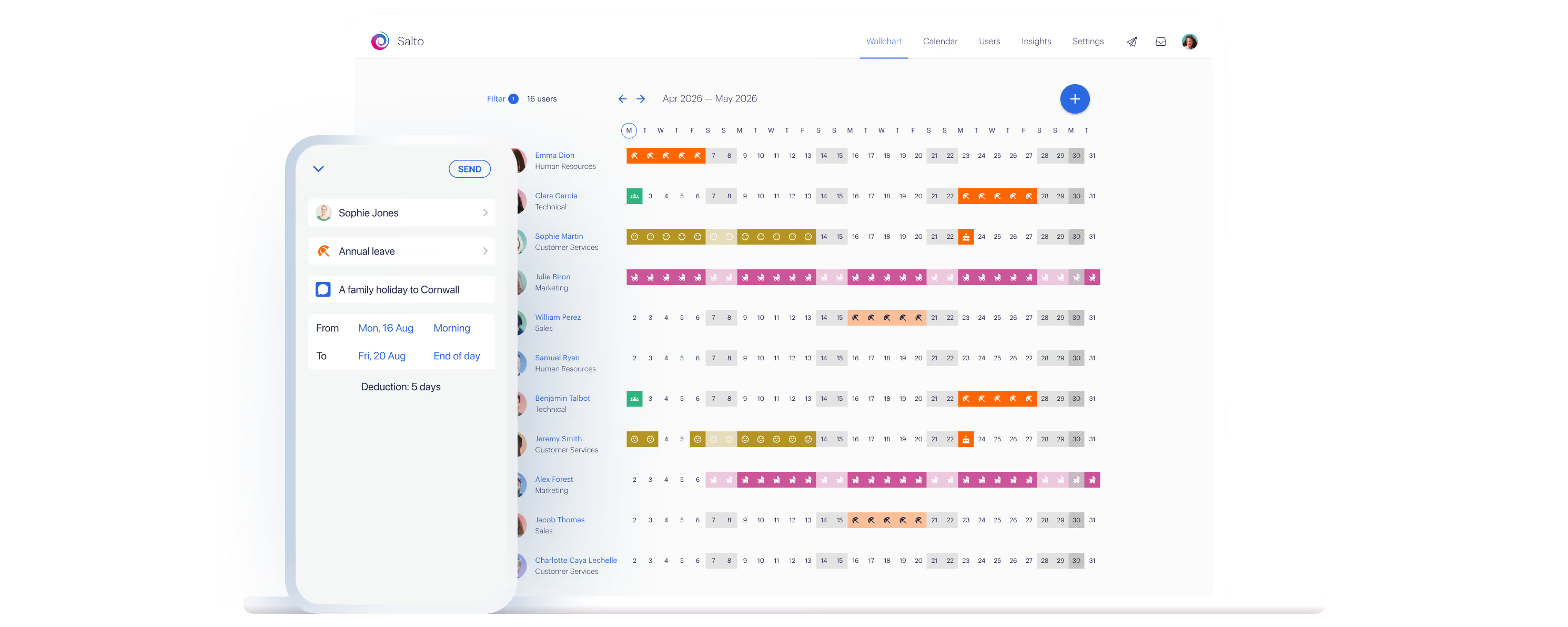
We use Timetastic to manage all rotas and time off in one place. Everyone can see their shifts on their phones, request swaps, and book holiday without the back-and-forth.
200,000+ people book their time off here
Set it up for your team before the next request lands.