
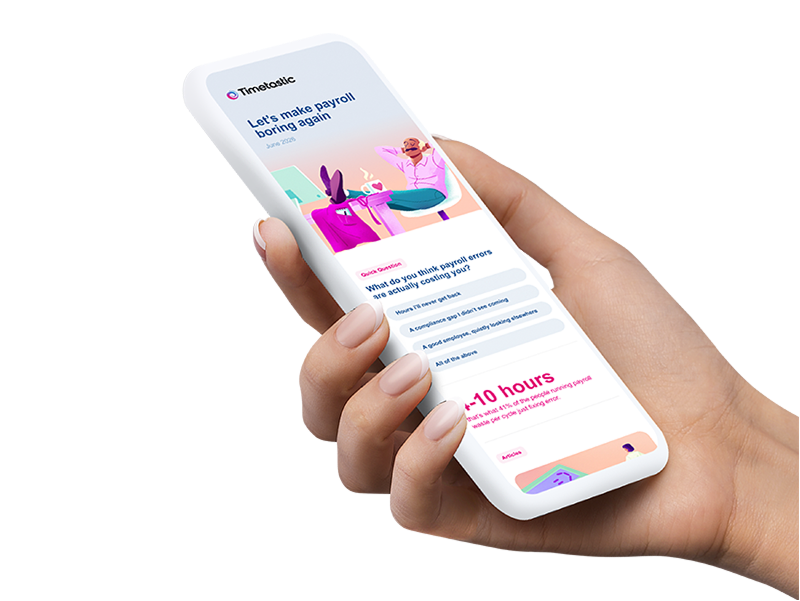


- We reviewed 7 tools across the features that matter most for UK shift-based businesses, including rota building depth, Working Time Regulations fit, ease of use, and integrations.
- UK-specific factors make a real difference when choosing rota software: bank holiday support, GDPR compliance, and payroll integrations with tools like Xero and Sage.
- Timetastic stands out for UK SMBs unifying rota building, a built-in time clock, and leave management without having to switch between hr apps or workforce management softwares.
- According to the Employment Rights Search Index, UK search interest in "employee management software" went from 0 to 100 in six months. UK SMB's are ready to act.
Not all scheduling tools are built with UK businesses in mind. Many of the biggest names are designed for US or Australian workflows, which means things like bank holidays, Working Time Regulations compliance, and integrations with UK payroll providers are often bolted on as afterthoughts rather than built in from the start.
UK search interest in employee management software read zero in 26 of the 51 months before the Employment Rights Act 2025 received Royal Assent and hit a five year high in the first full month after the Act took effect, while searches for rota software peaked in the same month the government's consultation on shift notice and cancellation payments closed.
There are a few more reasons why now is a good time to review your options:
Working Time Regulations are getting harder to manage manually. The 48-hour weekly working limit, mandatory rest periods, and minimum break entitlements all require accurate records. If you're still relying on spreadsheets or paper rotas, you're exposed.
Staff expect more flexibility. Shift swapping, mobile access to rotas, and the ability to submit availability or holiday requests without chasing a manager have become standard expectations, especially for younger workers.
Most businesses are still behind. A significant share of SMBs still rely on manual scheduling methods, even as their teams and compliance requirements grow. The gap between what's possible with modern rota software and what most small businesses actually use is still wide.
Data protection matters. UK GDPR applies to any software processing your staff's personal data. Choosing a tool with clear data storage policies, solid security credentials, and UK or EU data residency protects your business and your team.
How we evaluated these tools
We reviewed each platform against criteria that reflect what UK shift-based businesses actually need day to day. All tools featured in this article had to meet these baseline requirements:
- Available and actively supported in the UK
- Designed for small and medium-sized businesses (SMBs)
- Mobile apps for both managers and staff (iOS and Android)
- Core rota building features, including availability management, shift swapping, and notifications
- Public documentation of features and support options
We then assessed each tool across five areas:
Rota and time tracking features: Shift creation, drag-and-drop scheduling, templates, time-off management, shift swapping, clock-in/out, and real-time updates.
UK compliance fit: Support for bank holidays, Working Time Regulations settings, rest period alerts, and GDPR-compliant data handling.
Ease of use: Manager and staff interface quality, mobile app experience, onboarding, and day-to-day usability.
Support and reliability: Quality of customer support, availability of documentation, and track record with UK businesses.
Integrations: Compatibility with UK payroll and accounting tools (Xero, Sage, BrightPay), HR platforms, and communication tools.
Disclaimer: This article was put together by the team at Timetastic. We've included our own product in this list, and we've done our best to give a fair, research-backed comparison of the rota software available to UK businesses. All information is based on publicly available data at the time of writing. Features and availability change, so verify details directly with each provider before deciding.
The 7 best rota software options for UK businesses
1. Timetastic
Best rota software for UK SMBs that want scheduling, time tracking, and leave management in one place
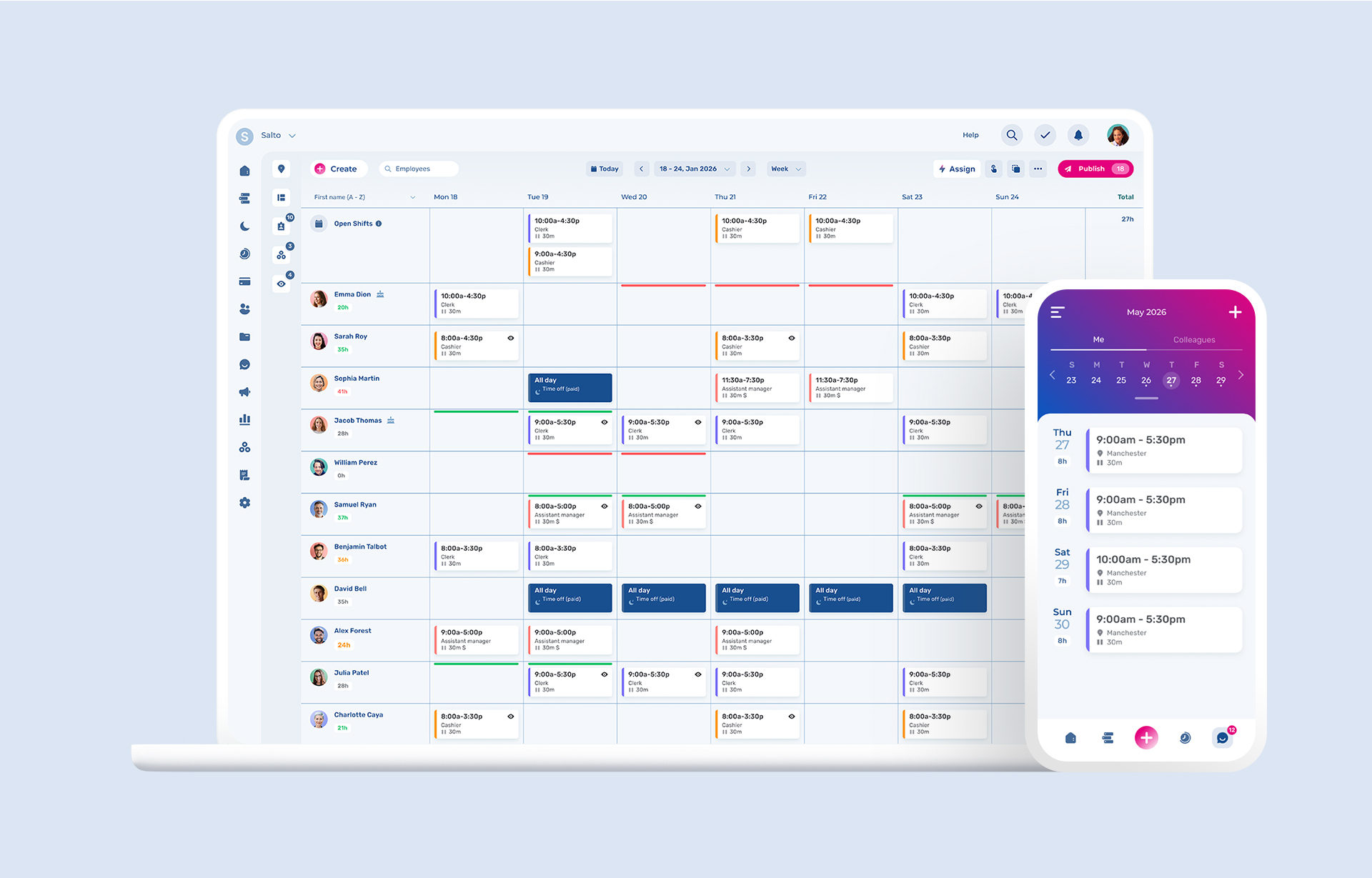
Timetastic is built for managing rotas, time, and leave. Over 200.000 users already use it for leave management, and the rota and time clock features have been built around the same principle: keep it simple for the manager who's actually building the schedule each week.
It started as the UK's leading leave management tool and has expanded to include staff rota building and a built-in time clock. The result is one of the few tools that gives you the full picture in one place: who's off, who's working, and whether they actually clocked in.
The interface is clear, and onboarding is fast. Staff can view their rota, submit holiday requests, and clock in from their phones without training. Managers get a single view of the whole team.
Pros
- Combines rota building, time clock, and leave management in a single platform
- Clear interface for both managers and staff
- Strong mobile app for iOS and Android
- Built and used by UK businesses, with UK bank holiday support across 3,000+ regions
- Real-time visibility of who's working, who's off, and who's clocked in
- Slack and MS Teams integration for absence notifications
- Trusted by 200,000+ users in UK across a wide range of industries
Cons
- Newer to rota and time clock features than some competitors
- Advanced scheduling needs (complex rotating patterns, demand forecasting) suited to larger operations may sit on a higher-tier plan
Best for
UK SMBs with hourly or shift-based staff who want a single, simple tool for scheduling, time tracking, and leave.
Key features
- Drag-and-drop rota builder with shift templates
- Staff availability and time-off management
- Shift swapping with manager approval
- Mobile clock-in/out with GPS tracking and geofencing
- Photo punch to prevent buddy punching
- Automated timesheet generation
- Real-time notifications for published or changed shifts
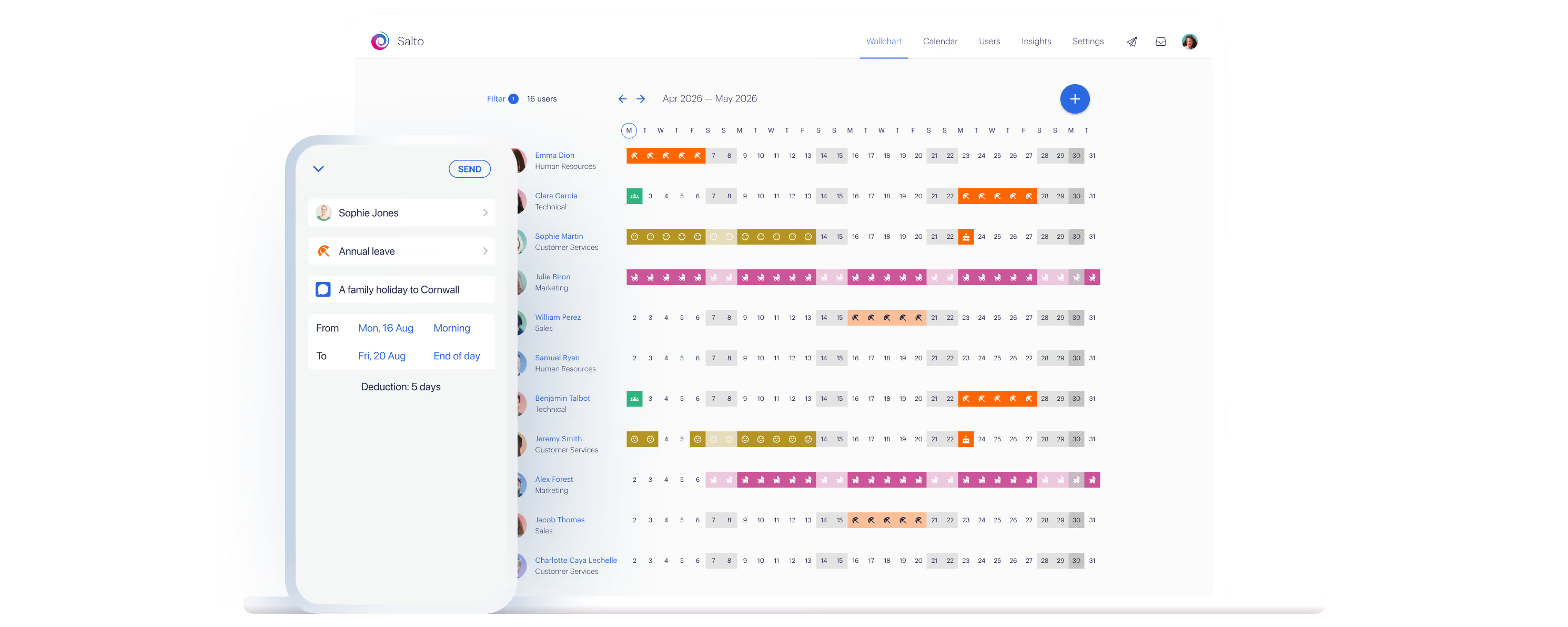
- Wallchart view showing the full team's schedule and absences
- Public holiday support for 3,000+ regions worldwide, including all UK bank holidays
- Integration with Slack, MS Teams, Google Calendar, Outlook, and iCal
- Payroll export (CSV)
Integrations
Slack, MS Teams, Google Calendar, Outlook, iCal, and CSV payroll export compatible with Xero, Sage, and BrightPay.
TL;DR
Timetastic is the cleanest way for UK SMBs to manage rotas, track time, and handle leave without juggling three separate tools.
2. RotaCloud
UK-native rota software for SMBs that prioritise local support
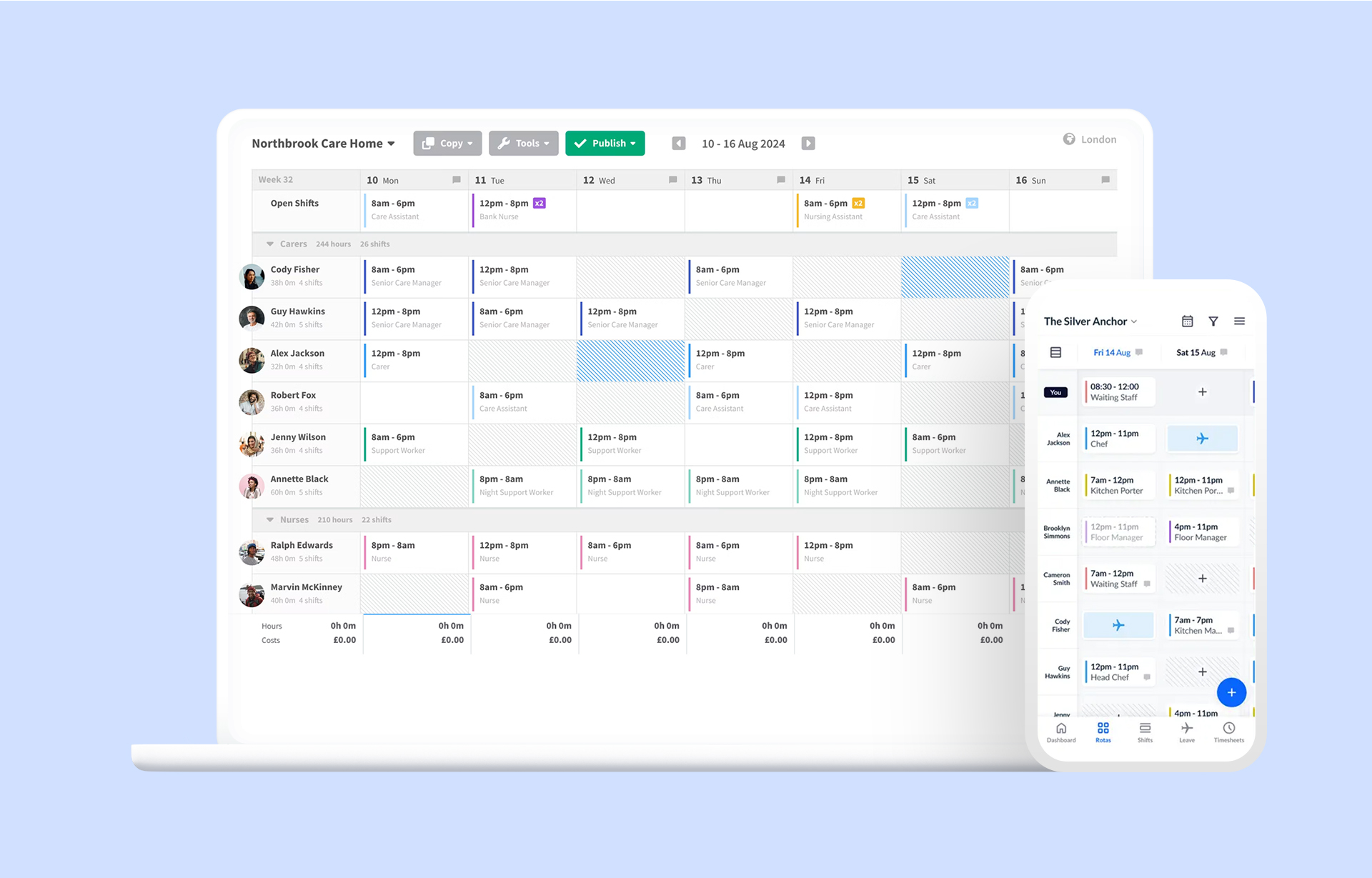
RotaCloud is a Yorkshire-based company built around the needs of UK shift-based businesses. It's a focused rota and time attendance tool, doing scheduling and time tracking well without trying to be a full HR system.
The drag-and-drop rota builder is clean, and the interface uses UK-specific terminology throughout (rotas, holidays, bank holidays rather than schedules and PTO). Their support team is based in York, which matters for UK businesses that want fast, relevant help.
Pros
- Built by a UK team specifically for the UK market
- Drag-and-drop rota builder
- Holiday accrual automatically calculated
- Strong customer support from a UK-based team
Cons
- Time and attendance tracking is an add-on module, not included by default
- Per-employee pricing can get expensive as team size grows
- Advanced labour forecasting only on higher-tier plans
Best for
UK SMBs in retail, hospitality, healthcare, and care who want a reliable, UK-focused rota tool with strong support.
Key features
- Drag-and-drop rota builder with real-time labour cost visibility
- Shift swapping and availability management
- Automatic holiday accrual calculation
- Leave request management
- Time and attendance tracking (add-on)
- Mobile access for managers and staff
- Payroll exports compatible with UK systems
3. Deputy
For growing businesses that need AI-assisted scheduling and demand forecasting
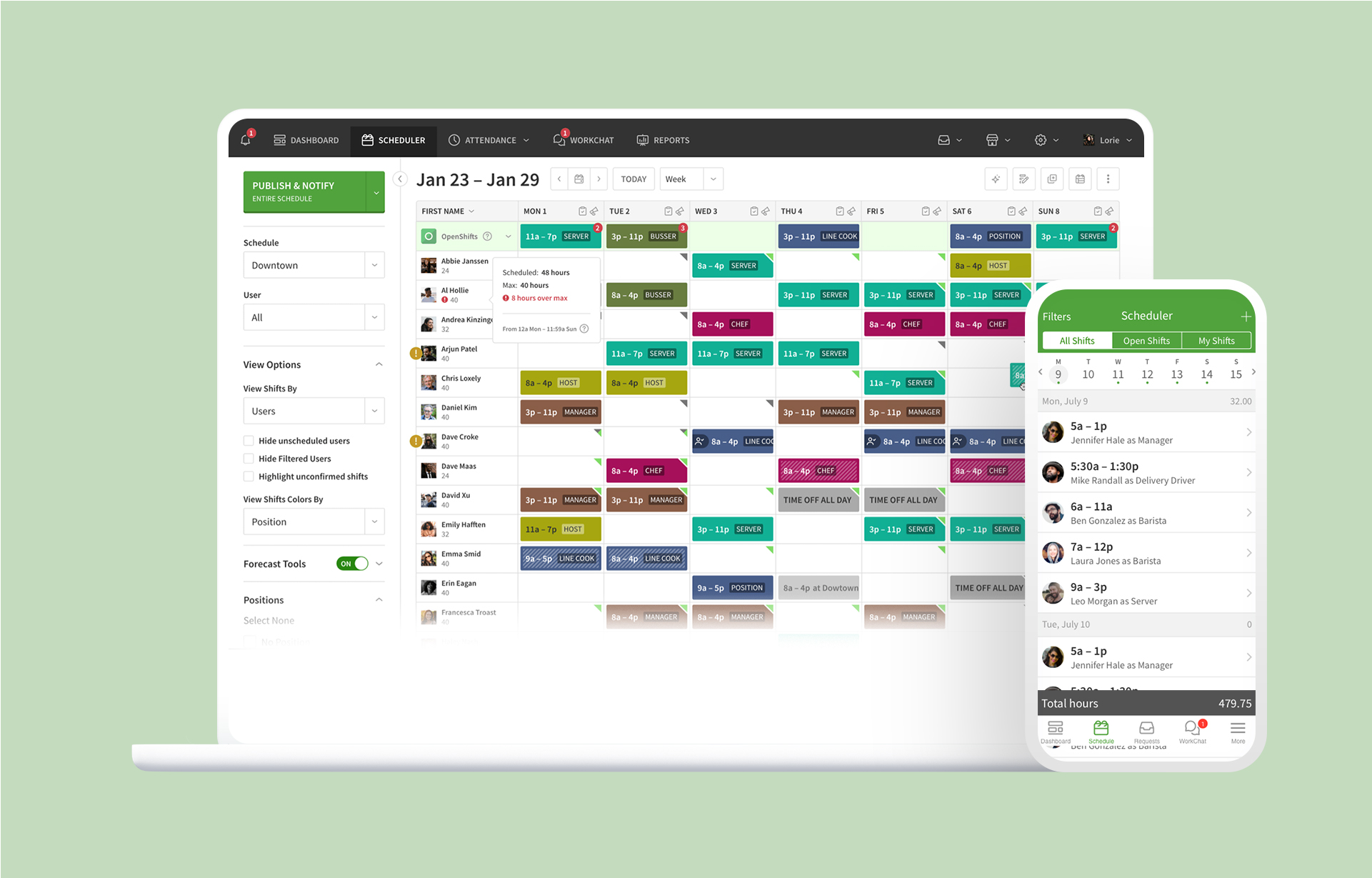
Deputy is a global scheduling and time tracking tool with a strong UK presence. It's one of the more feature-rich options on this list, particularly around AI-assisted scheduling, demand forecasting, and compliance management. It bills in GBP and offers UK-specific plans.
Deputy suits businesses that are growing or running multiple locations, where building rotas manually becomes too time-consuming. The AI-assisted scheduling can auto-build rotas based on availability, skill sets, and demand signals, saving time for larger teams.
Pros
- AI-assisted auto-scheduling for complex or multi-location rotas
- Working Time Regulations compliance features
- Billing in GBP with UK-specific plan options
- Wide range of payroll and POS integrations
- Solid mobile app for managers and staff
Cons
- Can feel over-engineered for smaller or simpler teams
- Pricing scales up quickly for larger teams
- Some features only on higher-tier plans
Best for
Multi-location businesses and growing teams in hospitality, retail, or healthcare that need AI scheduling and strong compliance tools.
Key features
- AI-assisted scheduling based on demand, availability, and compliance
- Drag-and-drop rota builder with templates
- Time clock with GPS and photo capture
- Break planning and automatic overtime calculation
- Shift swapping and open shift management
- Working Time Regulations compliance alerts
- Labour cost reporting
- Integrations with payroll (Xero, Sage) and POS systems
4. Planday
For hospitality and retail businesses with complex shift patterns
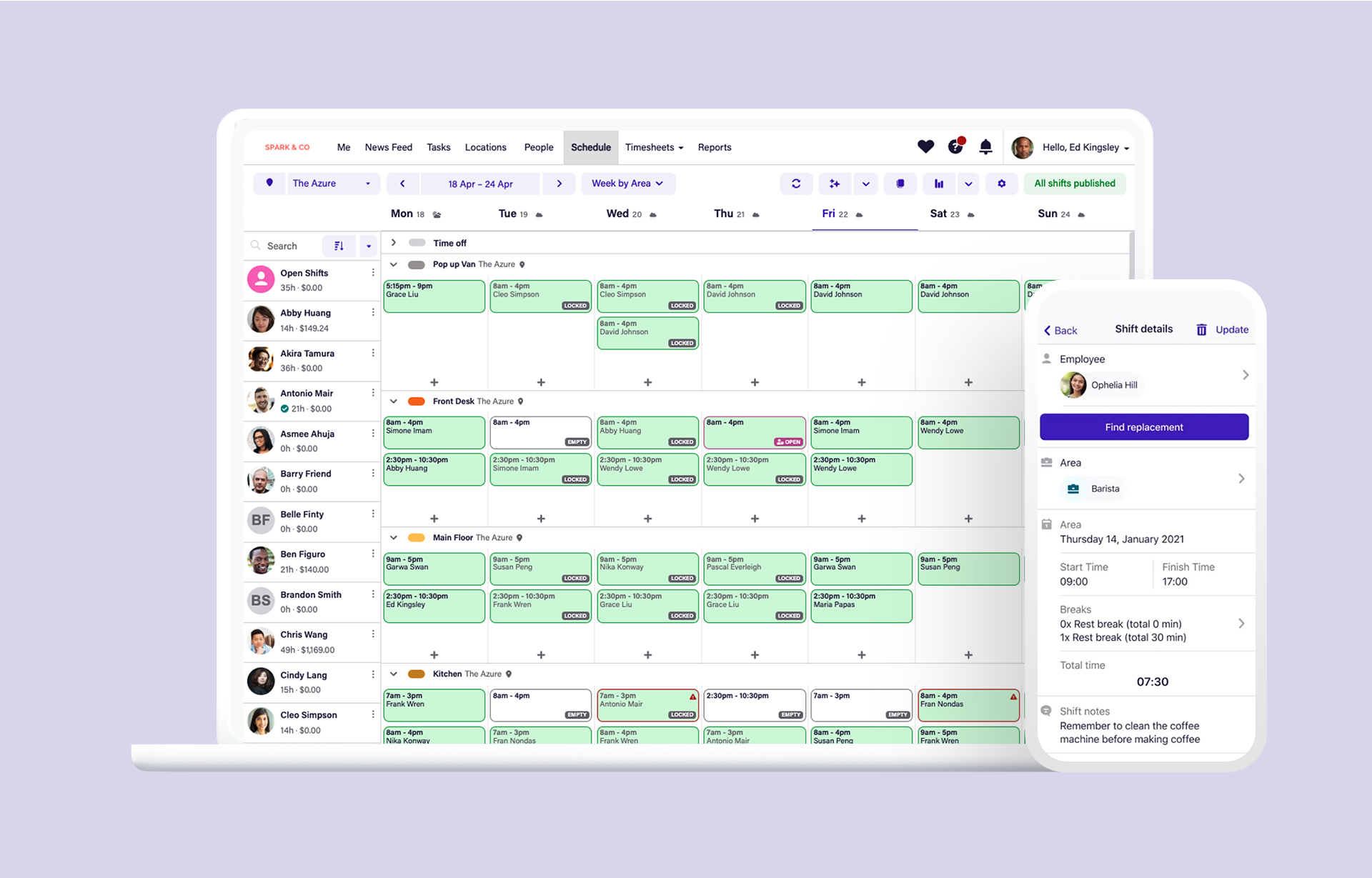
Planday is a dedicated scheduling tool with a strong following in UK hospitality, retail, and food service. It connects rotas directly to revenue and sales data, helping managers align staffing with actual demand rather than guesswork.
The communication features are strong, keeping shift-based teams in sync even when they rarely share the same physical space.
Pros
- Built for shift-based industries (hospitality, retail, F&B)
- Revenue and sales data integration helps align staffing with demand
- Strong in-app communication tools
- Solid POS integrations
- Good mobile experience for staff
Cons
- Leaner on wider HR than full HR suites (no document storage or onboarding)
- Minimum 12-month contract
- SMS notifications cost extra
- Can be complex for very small teams
Best for
Restaurants, bars, hotels, and retail businesses with variable staffing needs and multiple shifts per day.
Key features
- Rota building with templates and real-time labour cost tracking
- Revenue-linked scheduling and demand forecasting
- Shift swapping and employee availability management
- Time clock with GPS
- In-app messaging and team communication
- Payroll integrations (Xero, and others)
- POS integrations

5. When I Work
For teams that want straightforward, mobile-first scheduling
When I Work is a US-based scheduling tool with a decent UK user base. It keeps things straightforward: build a rota, share it with your team, let them swap shifts or flag availability from their phones. There's no significant learning curve for managers or staff.
It works well for small to medium teams that don't need complex compliance features or deep integrations, and just want a clean, reliable way to share schedules.
Pros
- Quick to set up and use
- Good mobile app for staff and managers
- Shift swapping and open shift management included
- Time tracking included in every plan (no add-on)
Cons
- Less suited to complex scheduling or multi-location operations
- Limited Working Time Regulations compliance features compared to UK-native tools
- No permanent free plan, only a 14-day trial
- Support quality can vary
Best for
Small teams in retail, food service, or services that want accessible scheduling without a steep setup process.
Key features
- Drag-and-drop scheduling with templates
- Mobile app for shift viewing, swapping, and notifications
- Availability and time-off management
- Time and attendance tracking included
- Team messaging
- Payroll integrations
6. Connecteam
For deskless and frontline teams with a mobile-first workforce
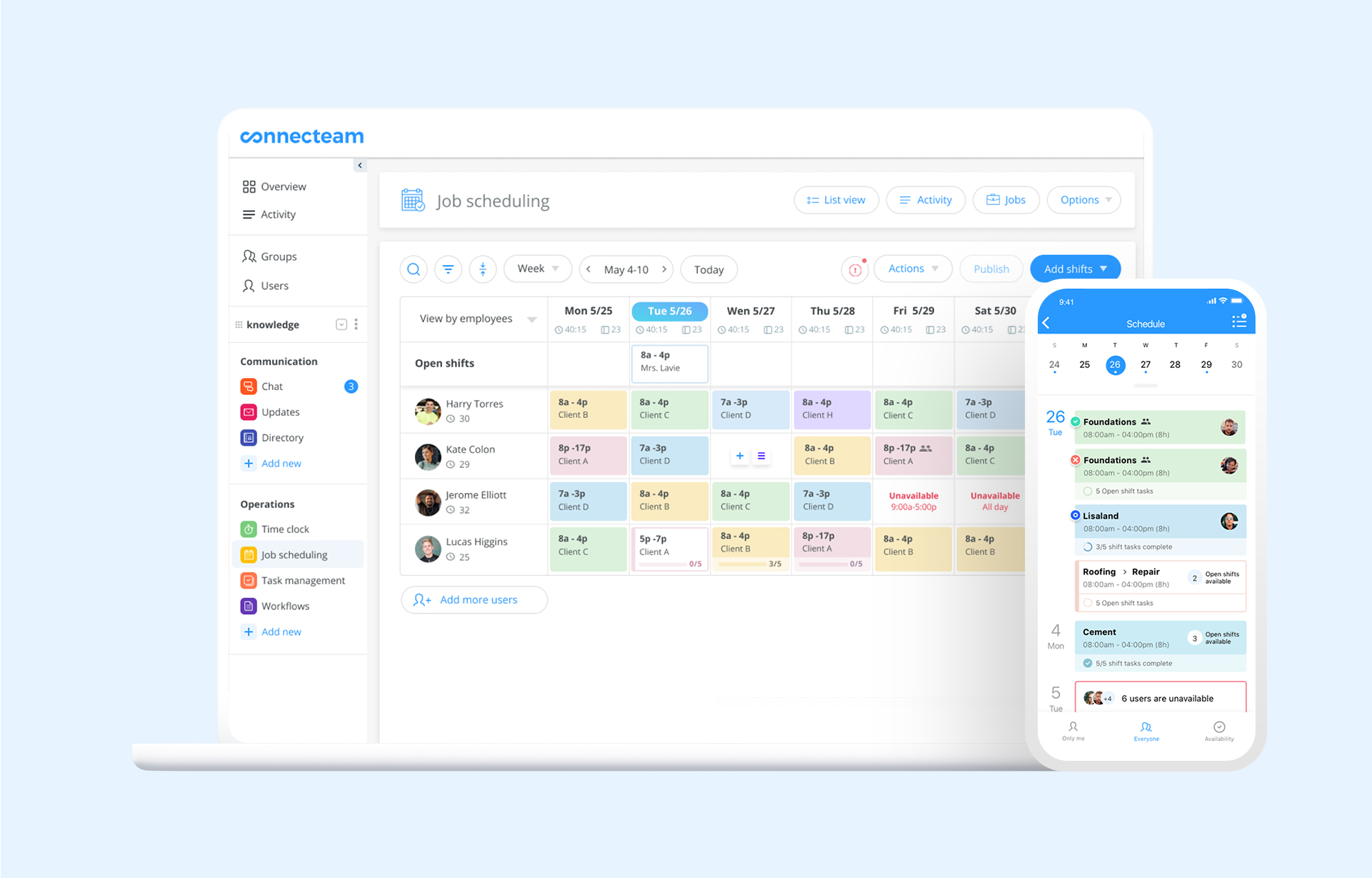
Connecteam is a mobile-first platform built specifically for deskless workers, which makes it a strong fit for field service, construction, cleaning, security, and similar industries. It combines scheduling, time tracking, communication, and task management in a single mobile app.
Its free plan (up to 10 users) is genuinely useful for very small teams, and the paid plans are competitive for the breadth of features.
Pros
- Designed for mobile-first and deskless teams
- Strong GPS clock-in with geofencing
- Free plan for up to 10 users
- Combines scheduling, time tracking, messaging, and HR tools in one app
- Task management and checklists included
Cons
- Can feel feature-heavy for teams that only need rota building
- Above 10 users, keeping the full feature set (including live GPS tracking and breadcrumbs) requires the Expert plan, a steep jump from the Basic tier
- Not UK-native, so some UK-specific compliance features need manual configuration
Best for
Field service, construction, cleaning, security, and care businesses with mobile-first or distributed teams.
Key features
- Drag-and-drop rota builder
- GPS clock-in/out with geofencing and kiosk mode
- Shift swapping and availability management
- In-app messaging and announcements
- Task management and digital checklists
- Document management and HR tools
- Free plan for up to 10 users
7. Findmyshift
For small businesses that want straightforward scheduling at a flat rate
Findmyshift is a no-frills online scheduling tool with a long-standing following among UK small businesses. Its main differentiator is flat-rate pricing per team: you pay a fixed monthly fee per team rather than per user, which makes it attractive for teams where staff numbers vary.
It does the basics well: create a rota, share it with staff, manage time-off requests. The interface won't win design awards, but it's reliable and affordable.
Pros
- Flat monthly fee per team rather than per user (attractive for teams with variable headcount)
- Free for teams of up to 5 staff
- Reliable core scheduling
- Accessible from any device via browser
Cons
- Interface feels dated compared to newer tools
- Limited mobile app experience
- Working Time Regulations compliance tools are minimal
- Time and attendance tracking is basic
Best for
Very small UK businesses or those with variable headcount who want affordable, reliable basic scheduling.
Key features
- Online rota builder with drag-and-drop
- Shift swapping and time-off requests
- Email and SMS notifications for staff
- Basic time and attendance tracking
- Budget tracking
- Payroll exports

Working Time Regulations: what your rota software needs to support
If you manage shift workers in the UK, Working Time Regulations (WTR) apply to your business. Choosing rota software that helps you stay compliant reduces admin burden and protects you from legal exposure.
Here are the key rules your software should help you track:
48-hour weekly limit: Workers cannot work more than 48 hours on average per week (calculated over a 17-week reference period), unless they have opted out in writing. Your rota software should flag when scheduled hours approach or exceed this threshold.
11-hour rest between shifts: Workers are entitled to at least 11 consecutive hours of rest between working days. Good rota software will alert you when you're scheduling a shift that falls within this window (sometimes called a clopening).
20-minute rest break: Workers who work more than 6 hours in a day are entitled to a 20-minute uninterrupted rest break. Look for tools that let you track and log breaks accurately.
Weekly rest period: Workers are entitled to at least one day off per week, or two days off per fortnight. This should be visible in your scheduling view.
Young workers: Different rules apply to workers aged 16-17, including stricter limits on daily and weekly hours and mandatory rest periods.
Bank holidays: Bank holidays count as working days unless your contracts specify otherwise. Your rota tool should support UK bank holiday calendars so they're visible when you're building schedules.
When evaluating any rota tool, look specifically for: rest period warnings, overtime tracking, bank holiday support, and the ability to export records for compliance audits.
How to choose the right rota software for your business
With several solid options available, the decision usually comes down to a few practical questions:
How simple does it need to be? If your scheduling is straightforward (one location, regular patterns, small team), a lighter tool like Findmyshift or When I Work may be all you need. If you want more automation and compliance support, Deputy or RotaCloud are worth the investment.
Does it cover scheduling and time tracking together? Some tools include time and attendance as standard. Others charge for it as an add-on. If your team clocks in and out and you need accurate timesheets for payroll, check carefully what's included before signing up.
Does it also handle leave? If you're using a separate tool for holiday requests and absence, an integrated tool like Timetastic means your rota, time clock, and leave management are all connected. No more cross-referencing calendars to see who's actually available next week.
How important is UK-native support? For businesses that want fast, relevant help from a team that understands UK employment context, RotaCloud and Timetastic are both supported here.
Who was this tool built for? Often the most useful question, and the one most easily skipped. Some rota tools are built for HR departments managing policies. Others are built for workforce planners running multi-site operations. The best fit for an SMB is usually the tool built around the manager who actually does the rota each week.
What does your team look like? For deskless, field, or frontline workers rarely in the same place, Connecteam's mobile-first design and GPS tools come into their own.
Conclusion
The best rota software for your business depends on team size, industry, and how much you want your scheduling tool to do. For most UK SMBs, the priority is the same: build rotas quickly, keep staff informed, track time accurately, and stay on the right side of Working Time Regulations without drowning in admin.
Timetastic brings all of that together in one place, with leave management already built in and trusted by 200,000 users across UK. If you're ready to move on from spreadsheets, it's a good place to start.
Start your 30-day free trial of Timetastic. No credit card required.
FAQ
What is rota software?
Rota software is a digital tool that helps managers build, share, and manage employee work schedules. Modern rota tools replace spreadsheets and paper-based systems with drag-and-drop scheduling, mobile access for staff, automated notifications, and integrations with payroll and HR platforms.
What's the difference between rota software and scheduling software?
They refer to the same thing. "Rota" is the standard UK term for a work schedule. "Scheduling software" is more commonly used in the US and Canada. When searching for tools in the UK, use "rota software" or "staff rota software" to find products built with local businesses in mind.
Is rota software suitable for small businesses?
Yes. Most of the tools on this list are designed specifically for small and medium-sized businesses. Some offer free plans for very small teams, and most have straightforward pricing that scales with headcount. You don't need a large team to benefit from moving off spreadsheets.
How does rota software help with Working Time Regulations compliance?
Good rota software can flag when scheduled hours would breach the 48-hour weekly limit, alert you to rest period violations between shifts, track breaks, and maintain the records you need in case of an audit. Not all tools are equal here, so check specifically for these features before choosing.
Can my staff access their rota from their phones?
Yes, all tools on this list offer mobile apps for iOS and Android, allowing staff to view their shifts, submit availability or holiday requests, and receive notifications about changes, all from their phones.




200,000+ people book their time off here
Set it up for your team before the next request lands.