Customer stories

How 8,000+ teams handle time off, rota planning and clocking in without spreadsheets, wall planners or paper forms. Filter by industry, team size or location, and find a business shaped like yours.

Industry
Team size
Location
Reset
Thank you! Your submission has been received!
Oops! Something went wrong while submitting the form.
The 5 star reviews just keep coming

People really like using Timetastic

Over 200,000 users. Instead of messing around with spreadsheets, you and all your staff can easily access the employee holiday tracker to check their allowance and conveniently book time off with just a few taps.

5 out of 5 stars
I've been saying it over and over again recently. Timetastic is brilliant — really feel like the founders sat down and said “what is a real pain about managing leave/holidays, right, let's fix it. All of it.”
Chris Hayward
5 out of 5 stars
We started using Timetastic a couple of months ago and it is brilliant. It is so easy to customise and so easy to use. The team love it and I love not having to constantly update an excel spreadsheet! It is also exceptional value for money.
Helen Sanson
5 out of 5 stars
So much easier to keep track of time off now, and the whole team can view it which means clashes are avoided, and with the working from home feature we don’t need to worry if someone hasn’t arrived at the office.
Catherine Holcombe
5 out of 5 stars
We have found Timetastic very useful with staff holidays. It is easy to use for the employee and excellent to use for the employer to add in sick days and unpaid leave etc. It also reminds you weekly of who is off, so you can always see who’s off in the week at the start, helping book jobs in around them.
Connor McDowell
5 out of 5 stars
A simple to use platform. Fantastic for a small team at a great price point. As an administrator, it is easy to onboard the team and manage their leave allowances. Approval system is seamless. Customer service has been very prompt and professional. Highly recommended.
Ridzuani Muin
5 out of 5 stars
Very simple to use. The team love it. It provides the data I need and has saved me time.
Nikki King
5 out of 5 stars
Timetastic is a game changer for our vacation and timeoff management. With the easy to install app and the detailed inventory of our multiple types of leave, it brings our vacation management out of the dark ages. Awesome tool that our HR department is thankful for.
Tim Spence
5 out of 5 stars
It's user-friendly and intuitive for an admin user and normal users. Reporting is helpful. The burnout function is really useful.
Oliver O
5 out of 5 stars
Timetastic has made the management of my team a breeze.
Kriss Cox
5 out of 5 stars
Pays for itself in the time you save! Staff love it — they get clear visibility of how much holiday remaining and can easily book time off.
Ben Collier
5 out of 5 stars
Timetastic makes managing holiday requests much easier than any manual system I’ve used in the past.
Ronnie Davies
5 out of 5 stars
Fastest and simplest way to manage staff holidays.
Daniel Nelson
5 out of 5 stars
Timetastic is really easy to use. Each of member of staff has a time off calendar, and I can see how many days they have remaining from their holiday allowance.
Rowan Johnson
5 out of 5 stars
Beautifully simple.
Robin Blandford
5 out of 5 stars
Great for staff as they can book leave as and when the need arises (evenings and weekends) and the leave can be approved or declined by managers with the click of a button.
Janette Smethurst

FAQ

Who uses Timetastic?

Over 8,000 businesses and 200,000 people: garages, charities, coffee roasters, agencies, accountants, from teams of 6 to 80+. The stories on this page are all of them, unscripted.

Is Timetastic good for small businesses?

It's built for them. Independent reviewers rate it the best dedicated leave tracker for small teams, precisely because it does one job properly instead of bundling an HR suite you'd never open.

What do Timetastic's reviews say?

4.9 on Google, 4.7 on Capterra, 4.6 on G2, across 5,000+ reviews. The recurring theme: the spreadsheet went, the wall planner went, and nobody asked for either back.

How does Timetastic work?

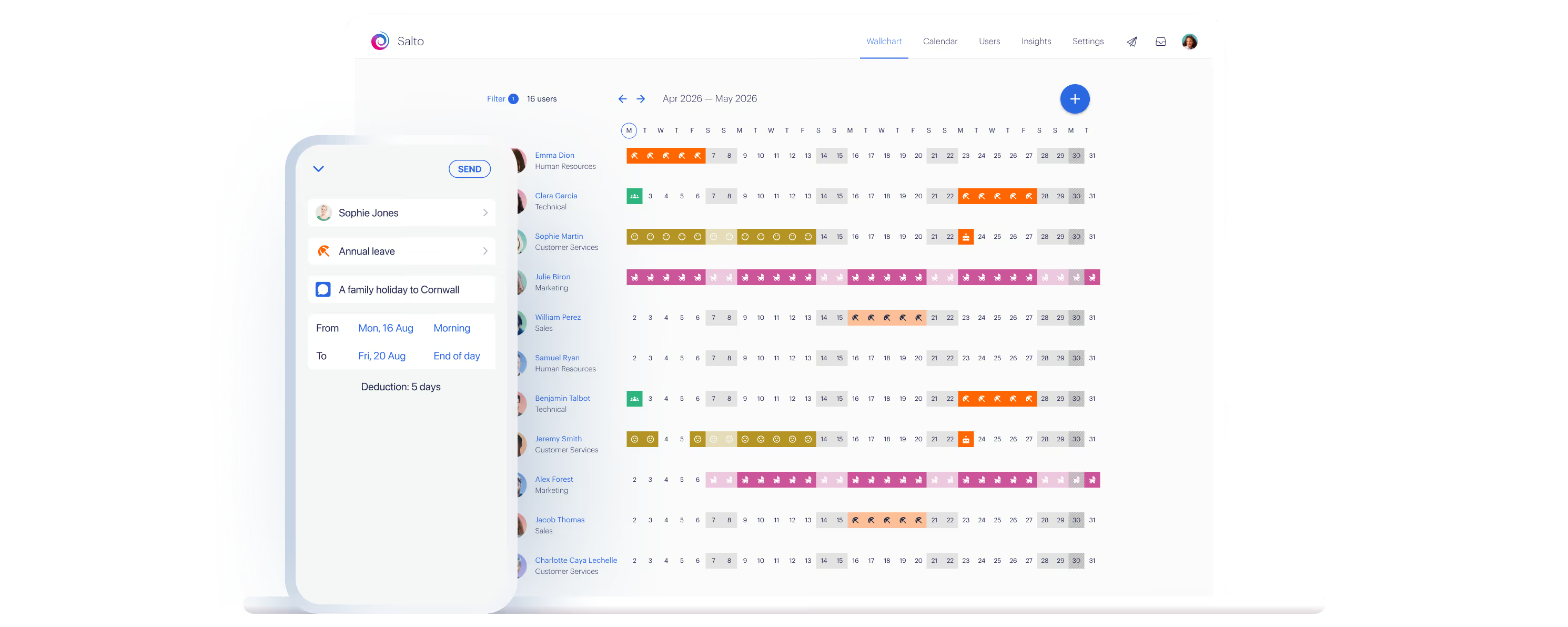
Staff request time off from their phone, you approve or decline in one click, and every calendar updates itself. Allowances, clashes and who's-off-today all live in one wallchart.