
Clocking in, without the machine
Staff clocking in system
Staff clock-in and out from a tablet by the door, their own phone, a computer, or even a landline. Every clock in lands on a timesheet, matched against the rota and ready for payroll.
Time Clocking is a feature of the Rota & Time Clock plan.

Which situation best describes your employees?

Staff at one site
Your team works the same place every shift: a restaurant, a shop, a surgery, a warehouse.

Employees on the move
Your employees work wherever the job is: client sites, care visits, installations that change week to week.

Office and remote staff
Your team works at a desk, in the office or from home, so a wall clock by a door helps nobody.
On-site clocking in system
A modern time and attendance solution
Your online clocking in station
A simple time clock app
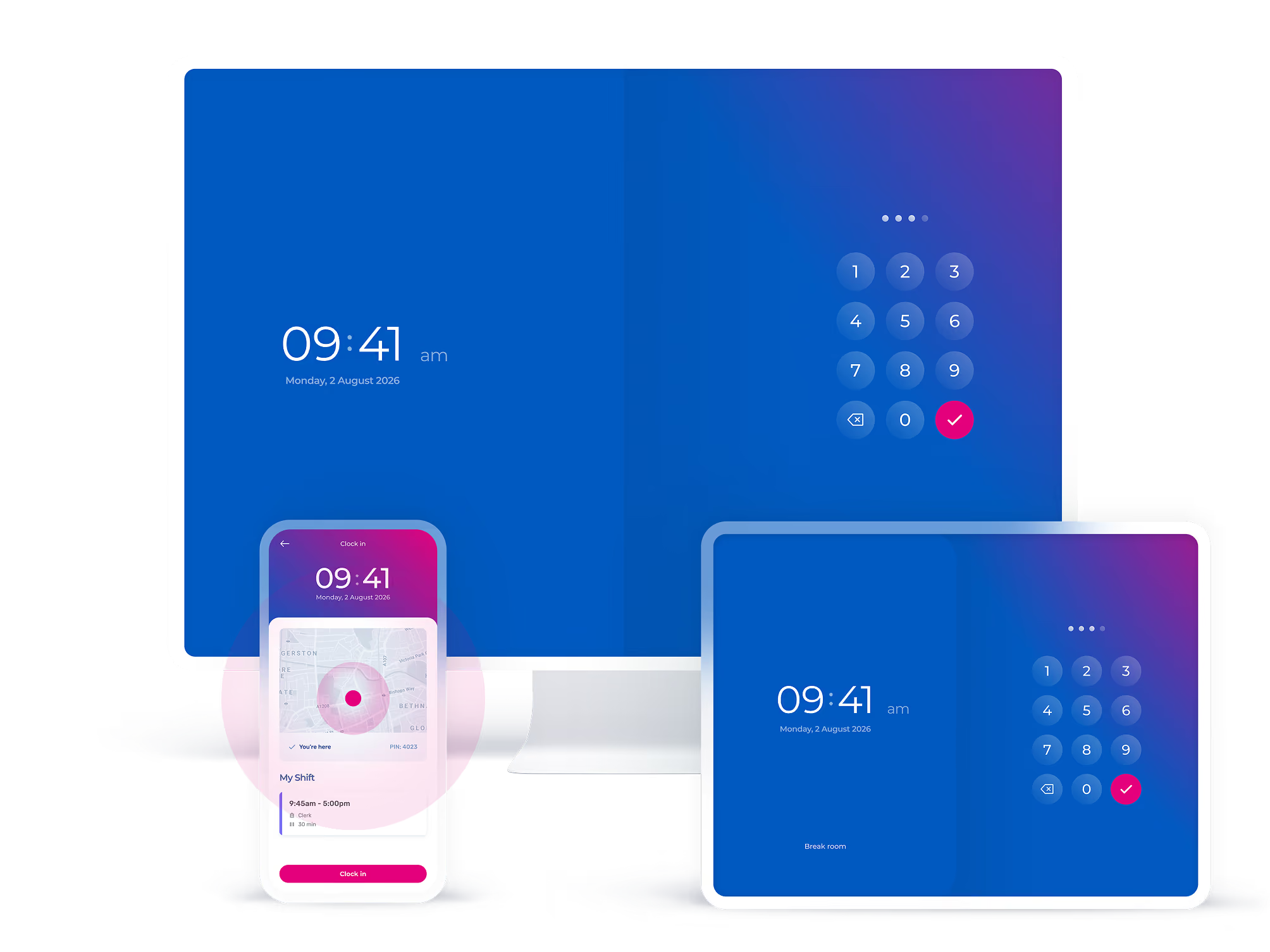
Turn a tablet or computer into the clocking in point by the door. Install the Timetastic Rota and Time Clock software, give everyone a PIN, and the first shift can clock in the same day.
End time theft for good
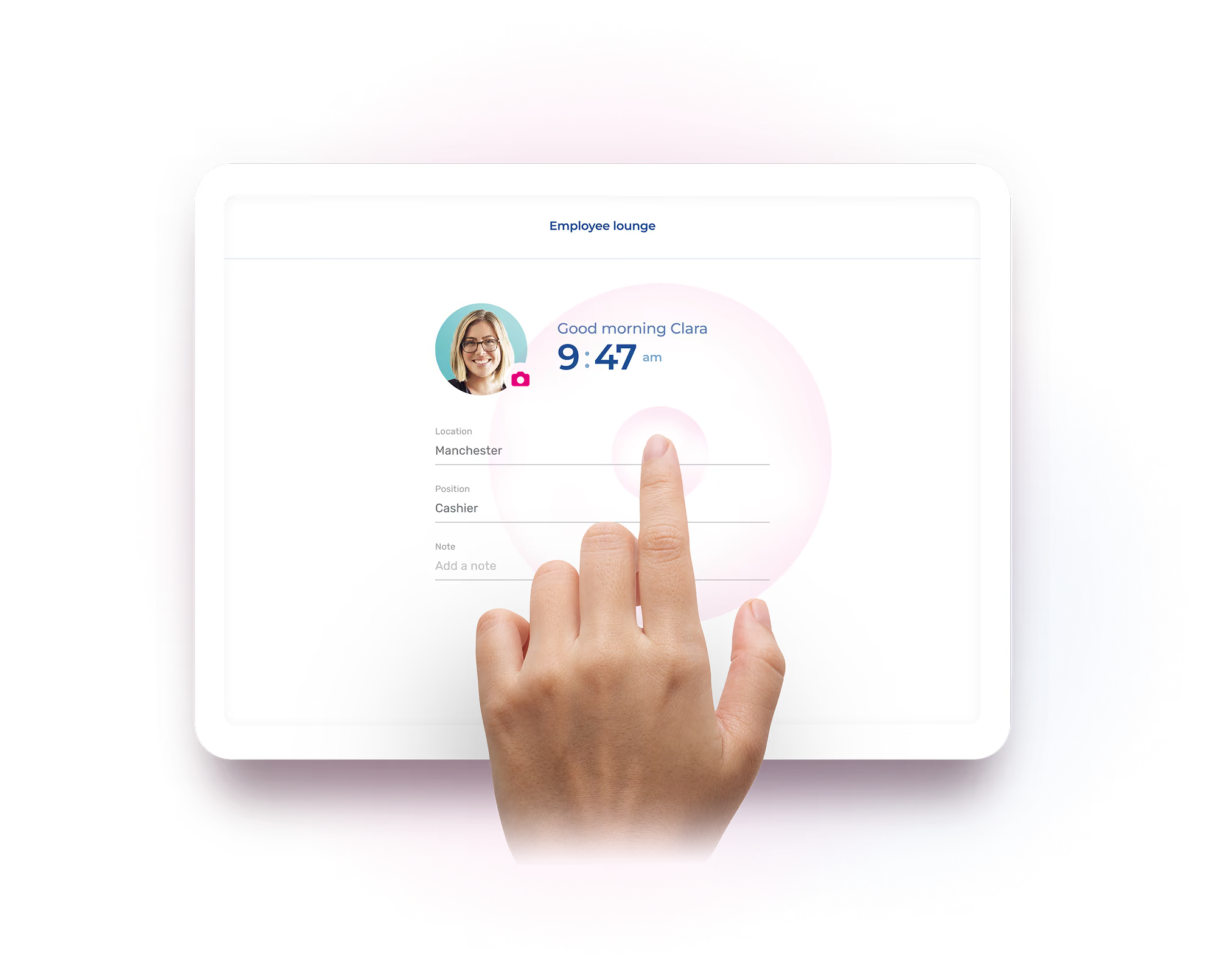
Clock cards never knew whose hand was holding them. Turn on optional facial recognition and every clock-in is confirmed against the person on the rota, so nobody clocks in for a mate who's still on the bus. Goodbye "buddy punching".
No "clocking machine" needed
A wall-mounted clocking in machine costs hundreds up front, and the data stays stuck in the box. Timetastic runs on the iPad, Android tablet, or computer you already own, and the numbers go straight where payroll needs them.
Clocking in and out, on the go
Keep track of staff who work wherever the job is
Online clocking in without the internet
The landline clock-in "machine"
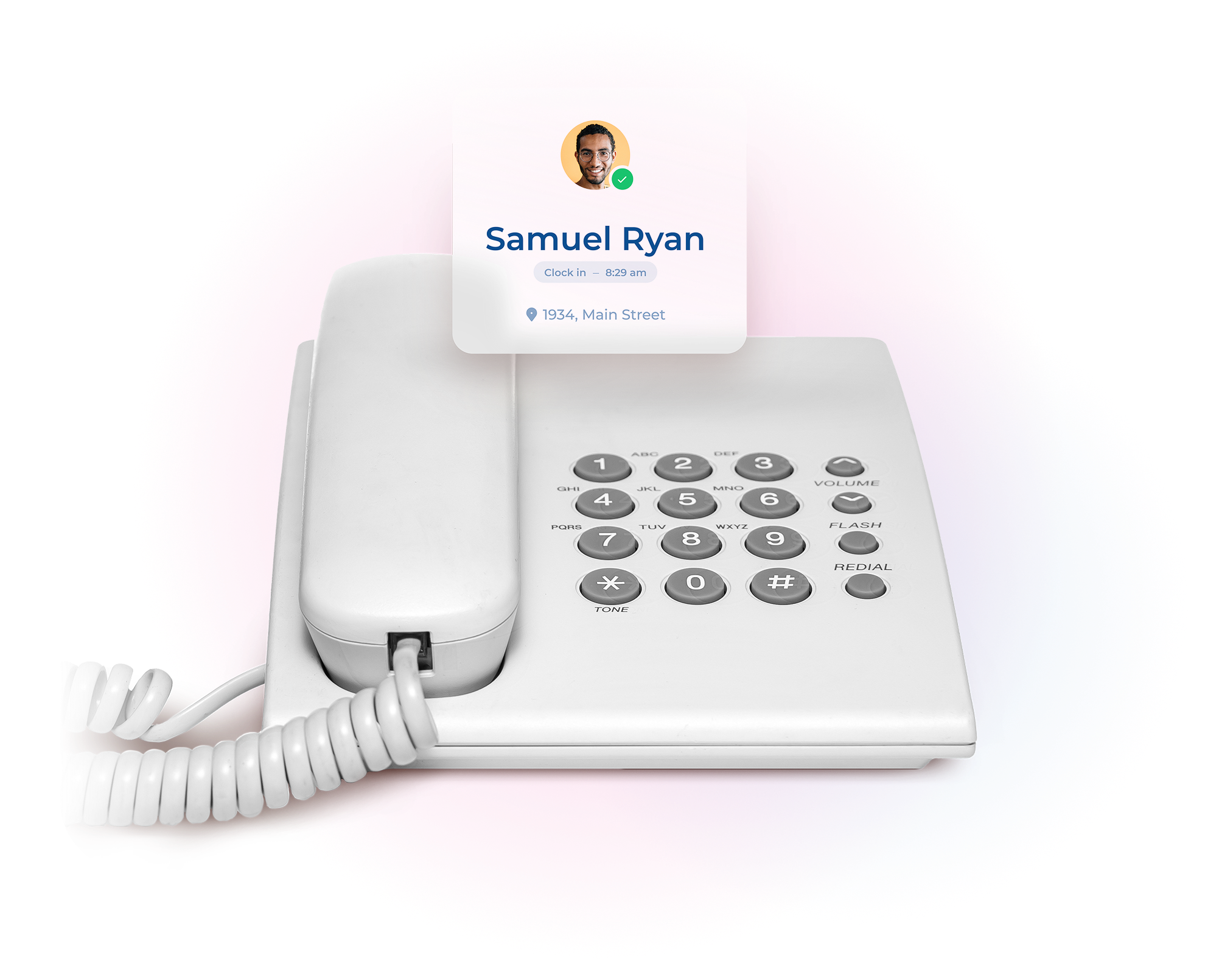
No signal, no WiFi, no smartphone? No problem. Staff ring from the phone numbers you approve, the system recognises them, and their hours land on the right timesheet. Any phone, anywhere, becomes a clocking in point.
Employee time/punch clock system
Mobile employee time clock with geolocation
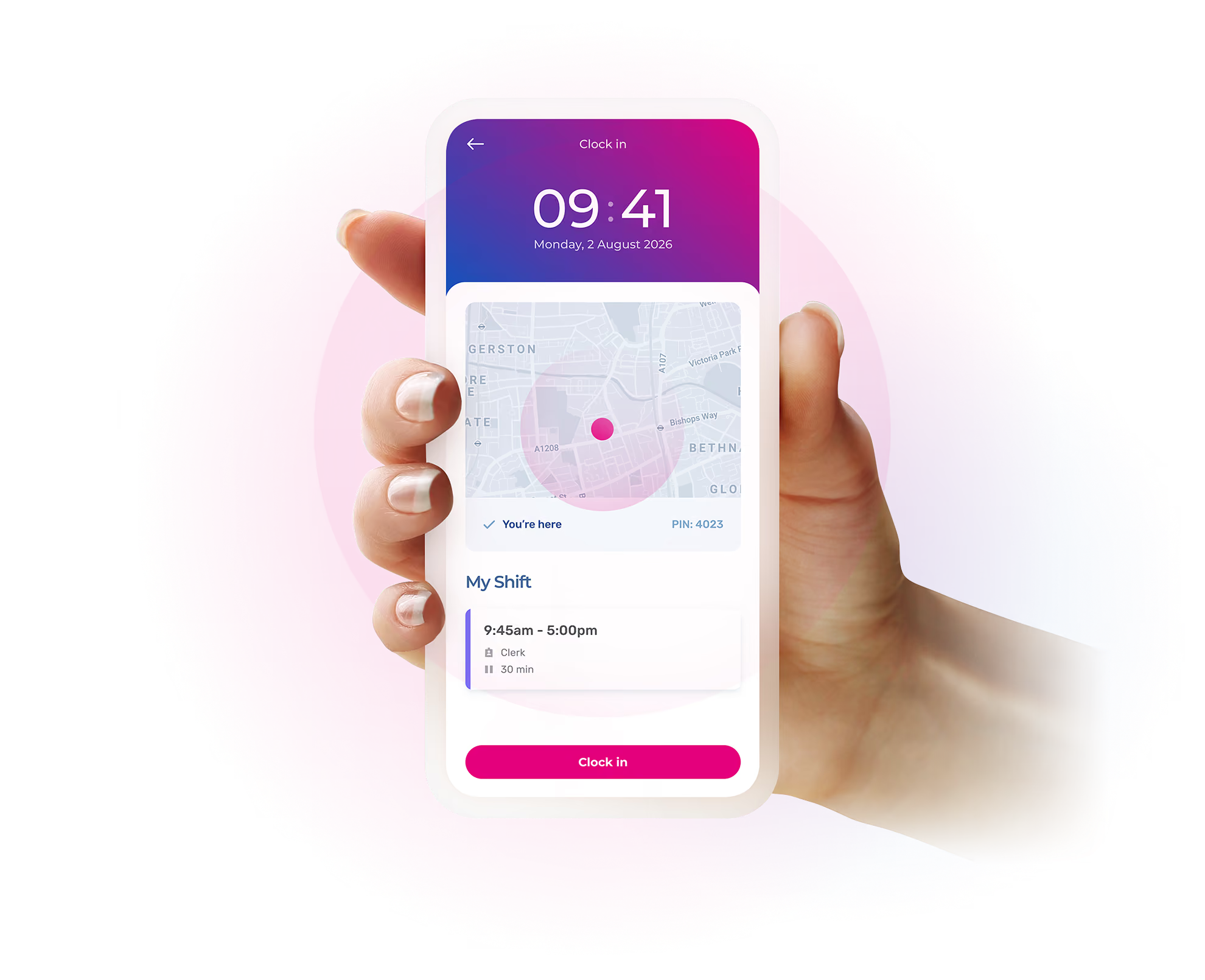
Use the Timetastic mobile app to provide your employees with the addresses of their various workplaces by date and time. Then, create a perimeter around these locations within which they must be to clock in and out.

Office time tracking
For office and remote workers
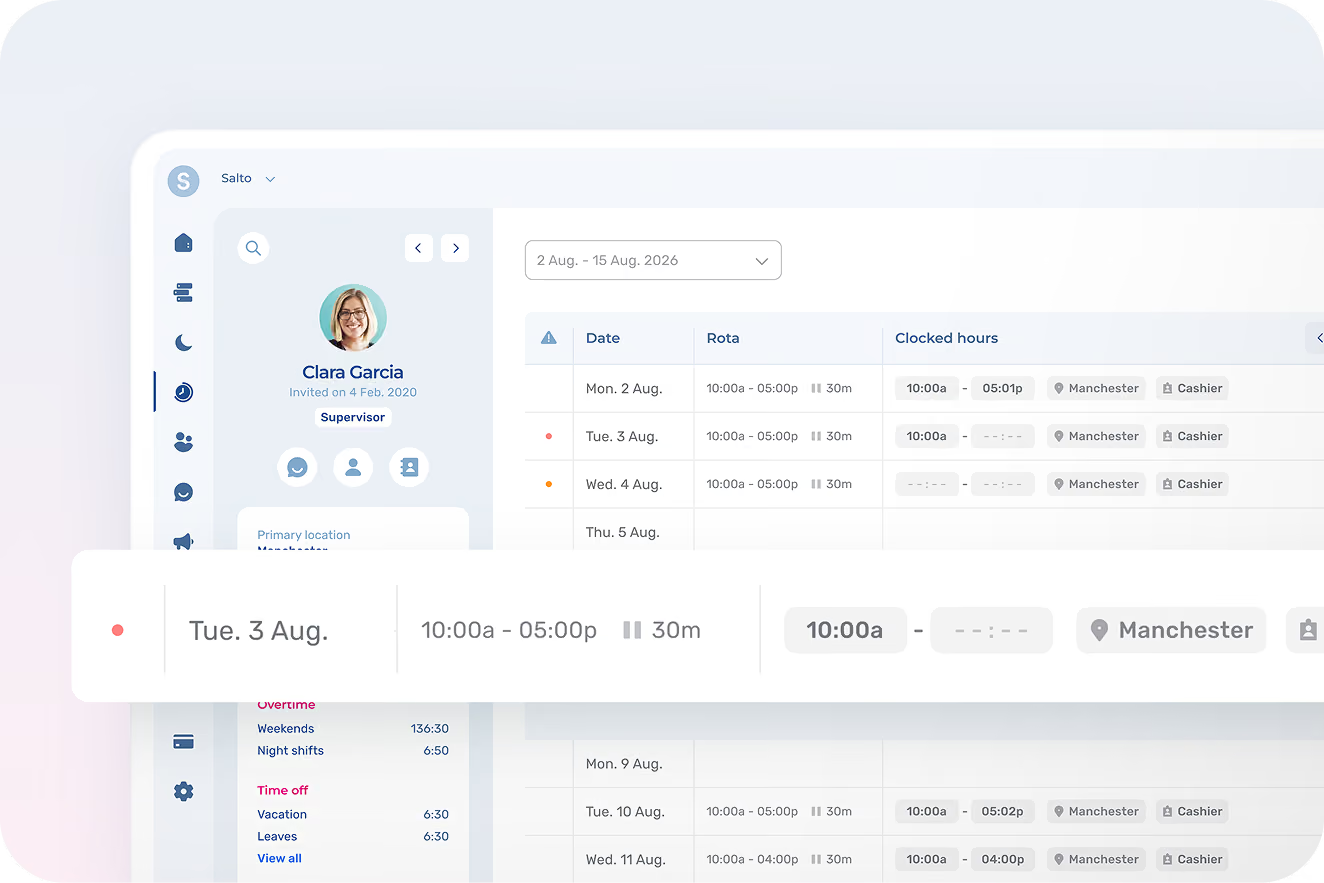
Self-service timesheets
If your employees are responsible for filling in their own timesheets, simply give them access to Timetastic, where they can do it themselves in a matter of seconds. Perfect for paperless time tracking.
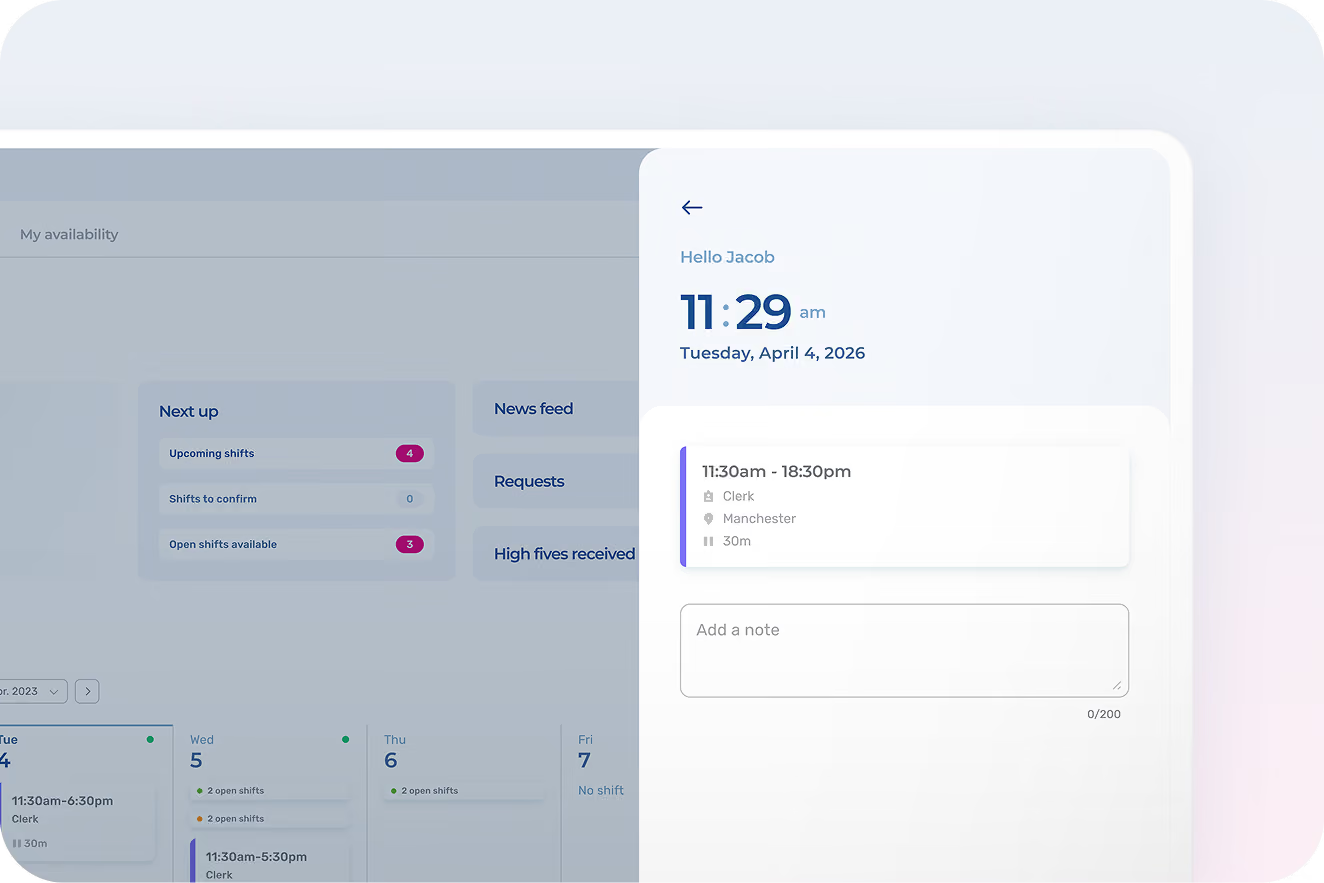
IP-restricted computer clocking
Enable your employees to clock in and out from their work computer. To tighten security, you can also restrict clock-in/clock-out to specific IP addresses, such as the office or the employee’s home.
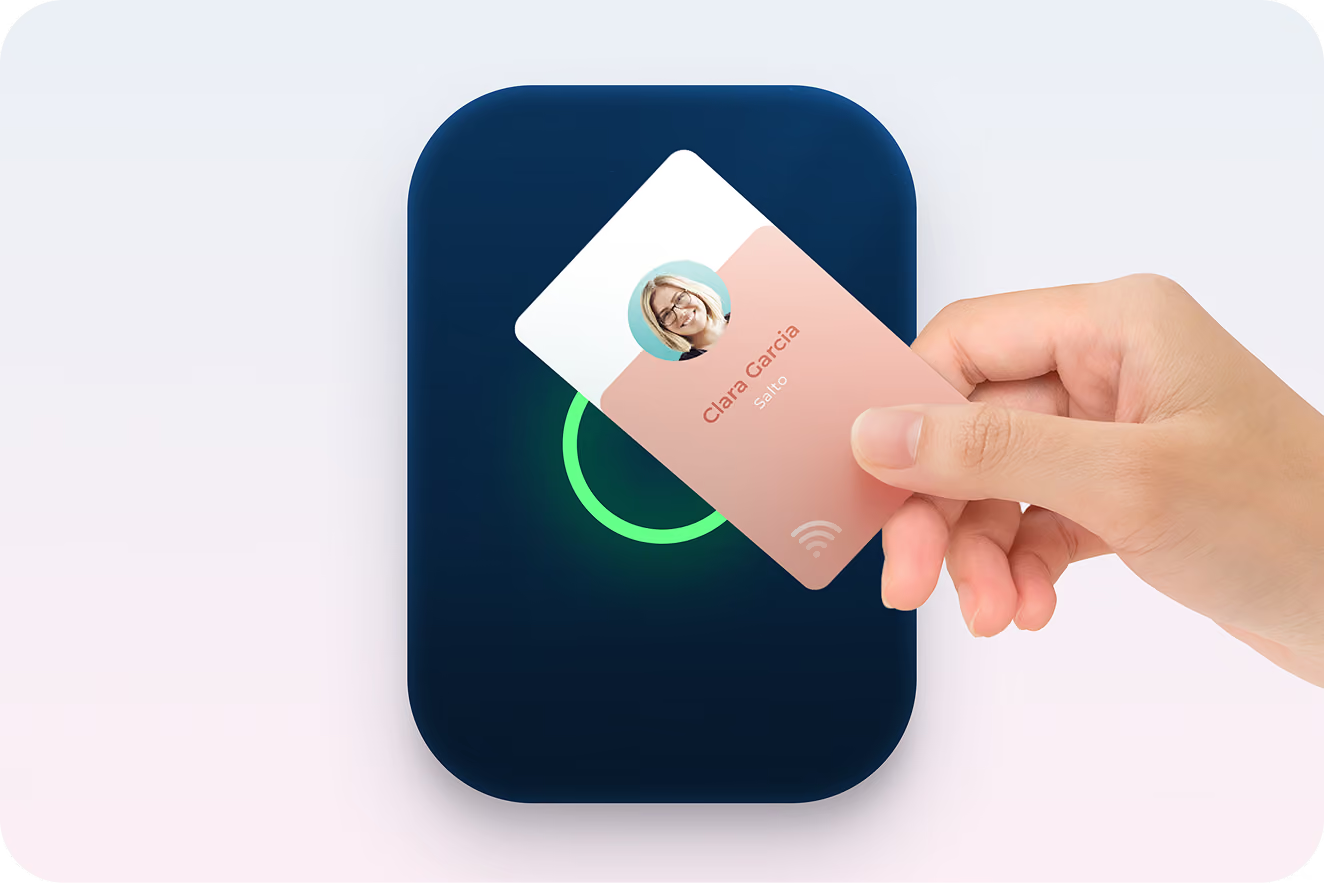
RFID time punch clock
Turn the tablet or computer of your choice into an RFID electronic punch clock by simply connecting the appropriate reader. Works with RFID cards, chips, badges, and tokens.
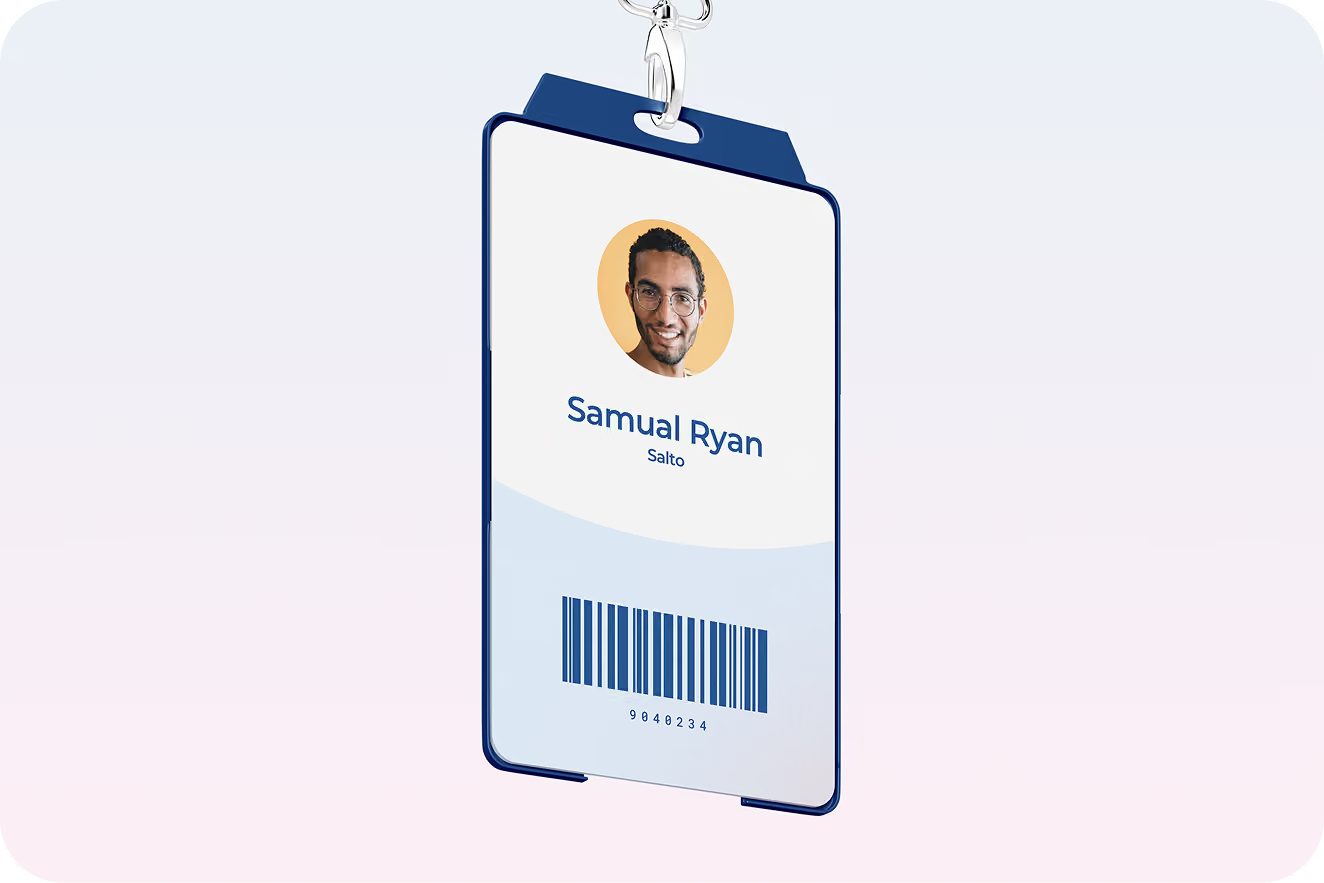
Barcode punch clock
Integrate Timetastic’s time and attendance system with any barcode reader connected to a punch clock terminal. The perfect solution for companies already using barcodes to manage access to their premises.
The simplest HR solution for busy managers
Built with the input of people who actually give a shift
We’ve been working closely with some of Timetastic’s most experienced admins, leaders who have been managing shifts and rotas for years. Here’s what they have to say about the experience.







Leave management software FAQs
Yes. In the US, the FLSA requires you to pay for all hours worked, whether or not the timecard shows them. UK law works the same way: the record error doesn't erase the work. What you can do is fix the pattern. Timetastic's Rota and Time Clock app reminds employees to log their hours when their shift starts, flags missed time entry to the manager the same day, and lets the employee submit the correction themselves, so you're approving a fix instead of reconstructing a Tuesday from memory two weeks later.
Yes, when it's disclosed, consented to, and limited to working hours. That's the standard across US states and under UK GDPR alike. Timetastic's Rota and Time Clock platform is built inside those lines: location is confirmed at the moment of the clocking-in, not tracked through the day, and employees can see exactly what's recorded. Your team isn't being followed. The time logged and place is being verified. That difference is what makes staff accept it.
Keeping accurate records of working hours is. The Working Time Regulations 1998 require employers to show staff aren't exceeding the 48-hour weekly average (unless they've opted out), records must be kept for at least two years, and HMRC can fine up to 200% of underpayments if your records can't prove minimum wage compliance. How you keep those records is up to you. A clocking in app produces them automatically, timestamped and audit-ready, which is a stronger position in a tribunal than a signed paper sheet.
Yes, and you skip the machine. A wall-mounted clocking in machine costs money up front, holds the data hostage in the box, and someone still retypes everything into payroll. With Timetastic's Rota and Time Clock software, any tablet becomes the clocking-in kiosk: same spot by the door, same gesture on the way in, except the timesheet writes itself and exports straight to payroll. The habit your team already has, minus the hardware and the retyping.
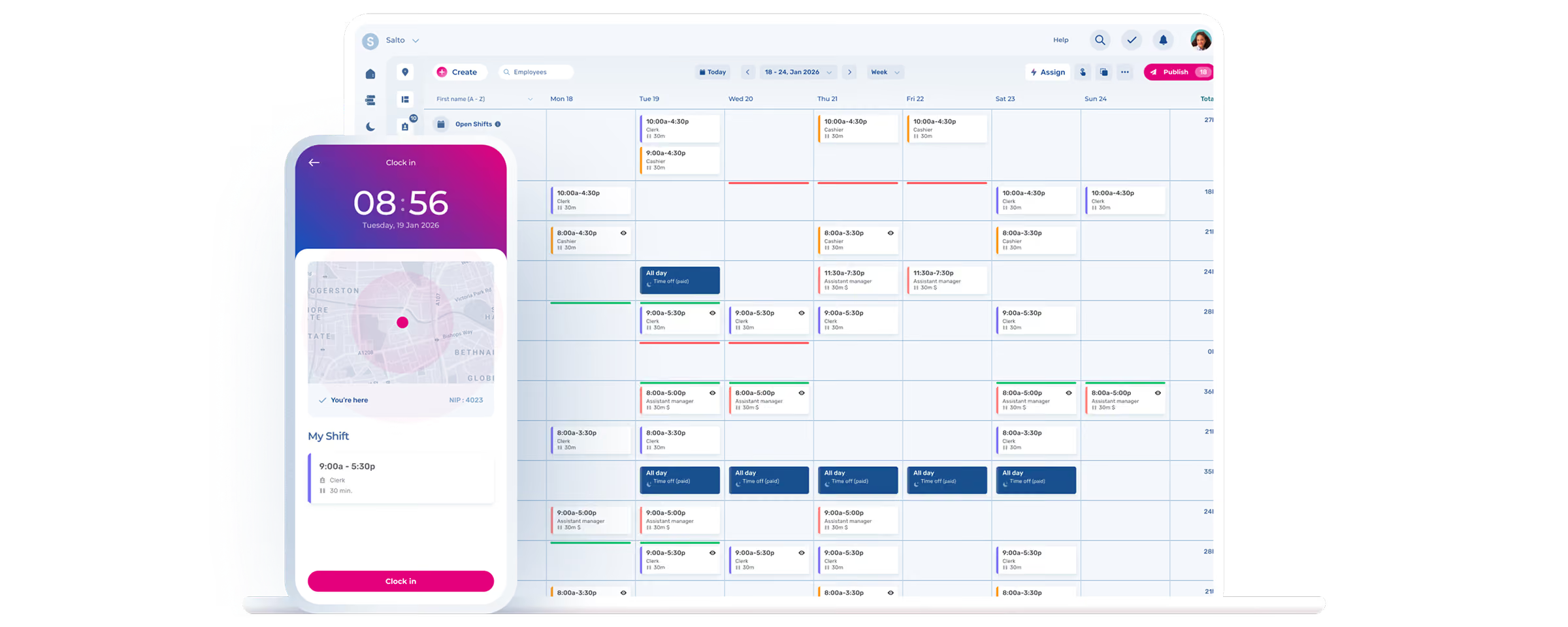
No more Sunday-night rota
Build the week (or month) and publish it in minutes, not hours.