
Clocking in, without the machine
Staff clocking in system
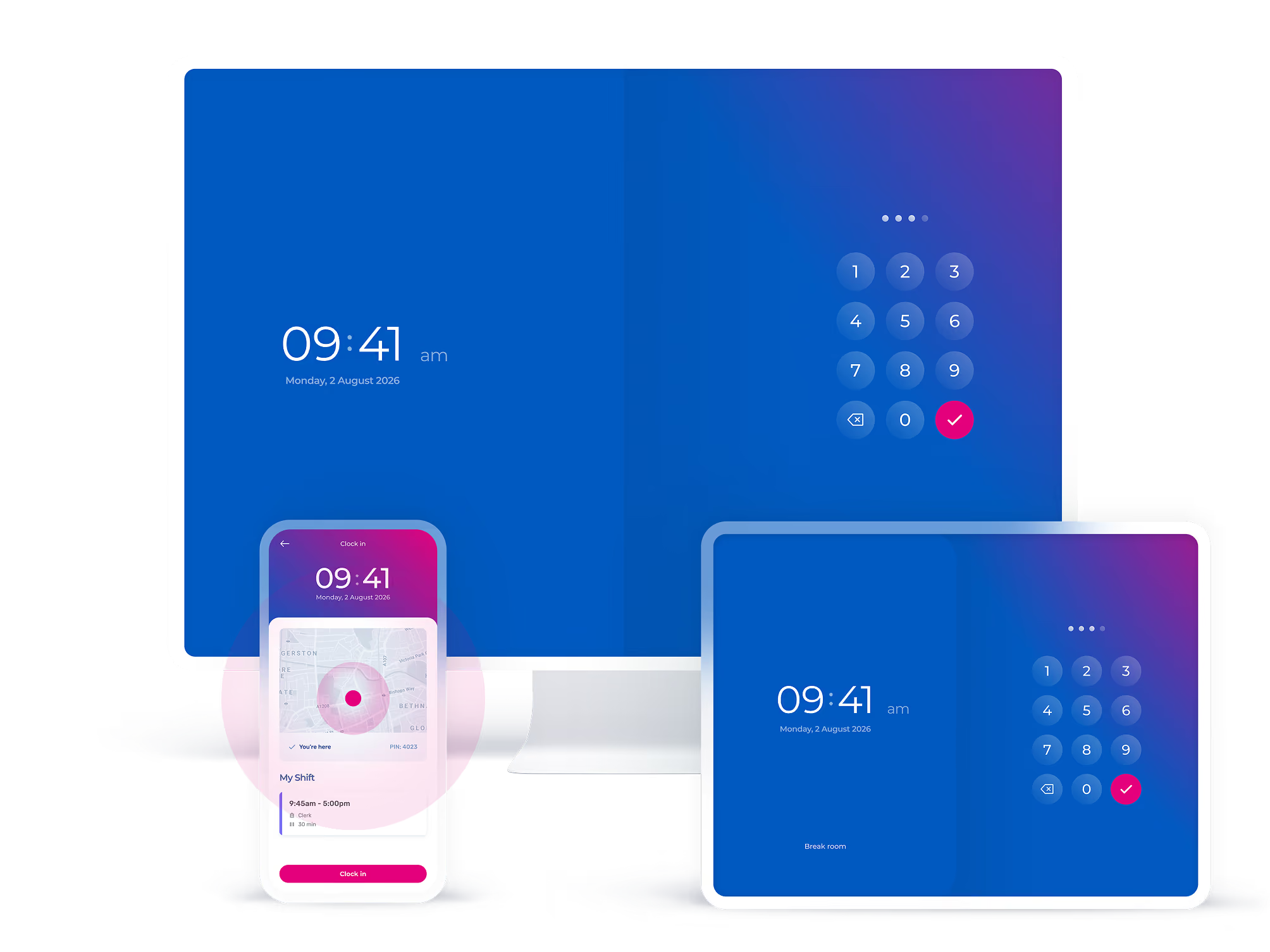
Staff clock-in and out from a tablet by the door, their own phone, a computer, or even a landline. Every clock in lands on a timesheet, matched against the rota and ready for payroll.
Time Clocking is a feature of the Rota & Time Clock plan.

Which situation best describes your employees?

Staff at one site
Your team works the same place every shift: a restaurant, a shop, a surgery, a warehouse.

Employees on the move
Your employees work wherever the job is: client sites, care visits, installations that change week to week.

Office and remote staff
Your team works at a desk, in the office or from home, so a wall clock by a door helps nobody.
On-site clocking in system
A modern time and attendance solution
Your online clocking in station
A simple time clock app
Turn a tablet or computer into the clocking in point by the door. Install the Timetastic Rota and Time Clock software, give everyone a PIN, and the first shift can clock in the same day.
End time theft for good
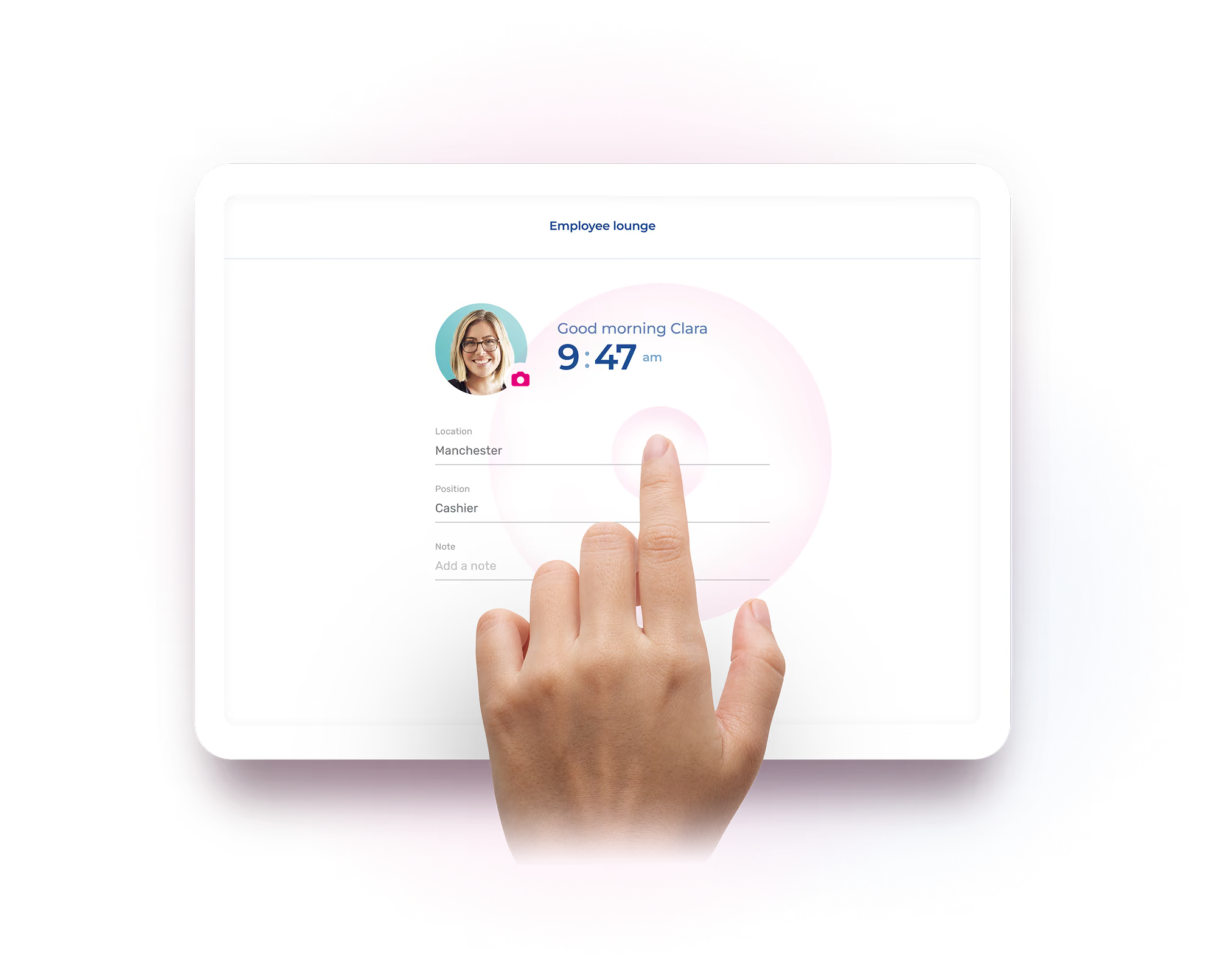
Clock cards never knew whose hand was holding them. Turn on optional facial recognition and every clock-in is confirmed against the person on the rota, so nobody clocks in for a mate who's still on the bus. Goodbye "buddy punching".
No "clocking machine" needed
A wall-mounted clocking in machine costs hundreds up front, and the data stays stuck in the box. Timetastic runs on the iPad, Android tablet, or computer you already own, and the numbers go straight where payroll needs them.
Clocking in and out, on the go
Keep track of staff who work wherever the job is
Online clocking in without the internet
The landline clock-in "machine"
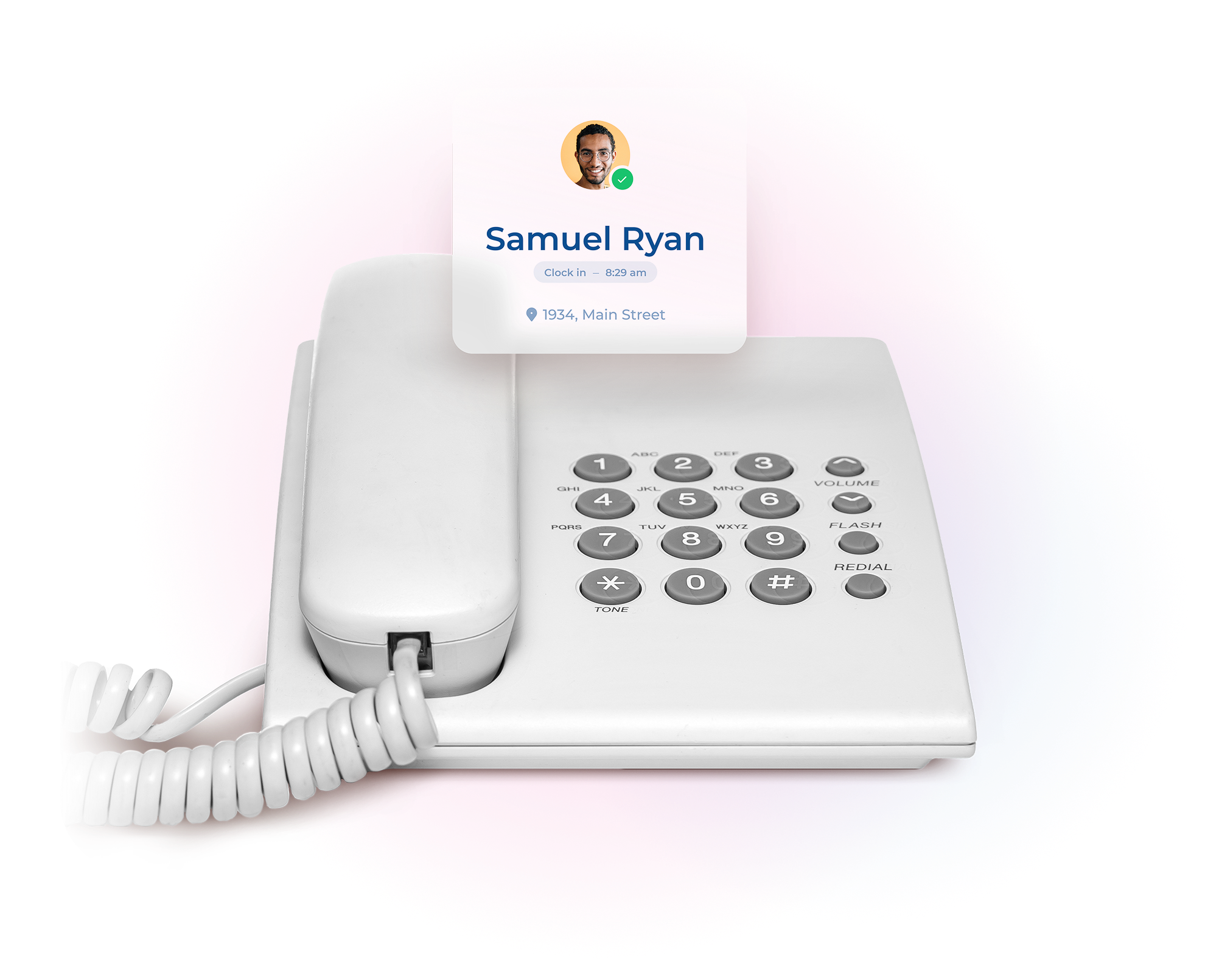
No signal, no WiFi, no smartphone? No problem. Staff ring from the phone numbers you approve, the system recognises them, and their hours land on the right timesheet. Any phone, anywhere, becomes a clocking in point.
Employee time/punch clock system
Mobile employee time clock with geolocation
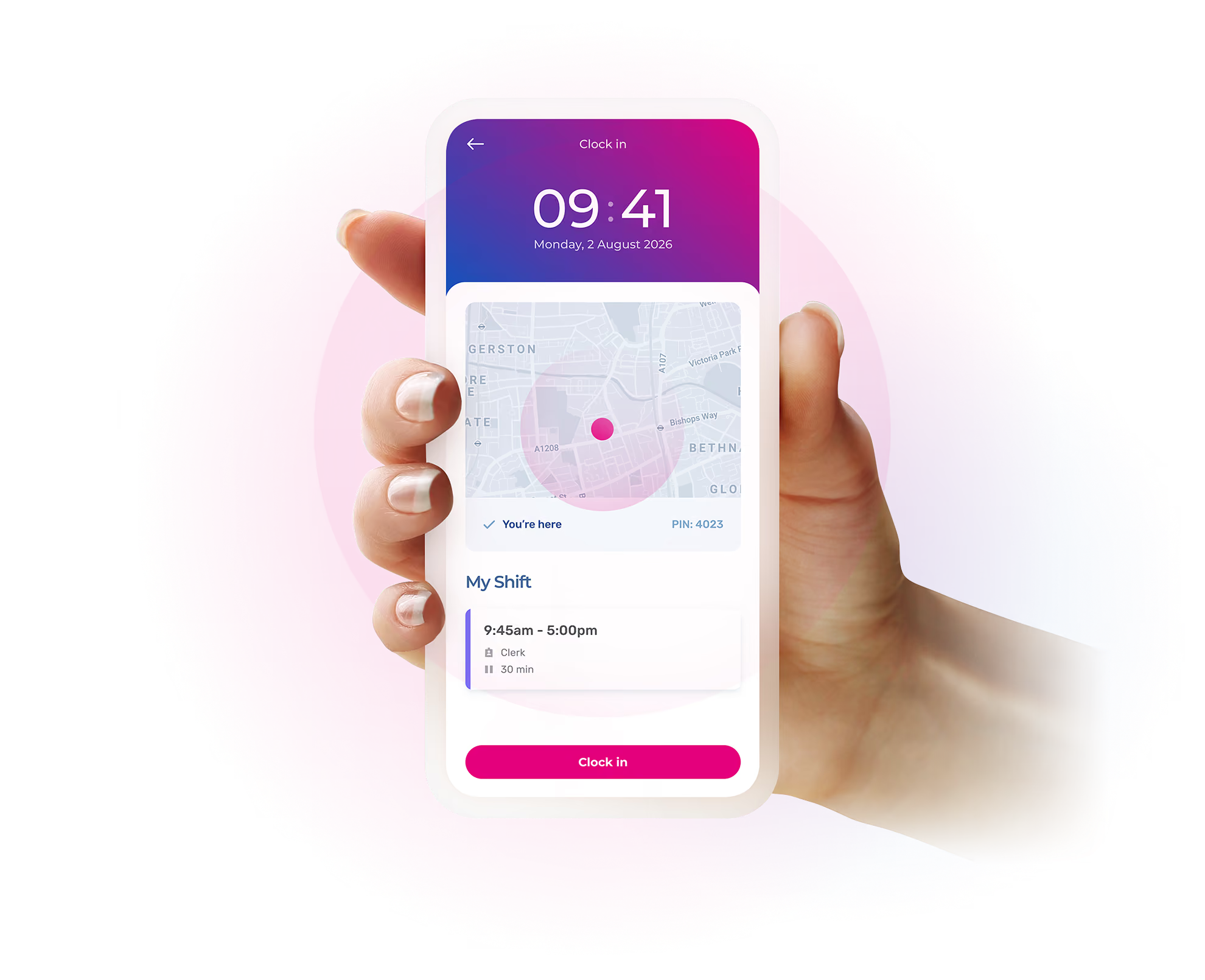
Use the Timetastic mobile app to provide your employees with the addresses of their various workplaces by date and time. Then, create a perimeter around these locations within which they must be to clock in and out.

Office time tracking
For office and remote workers
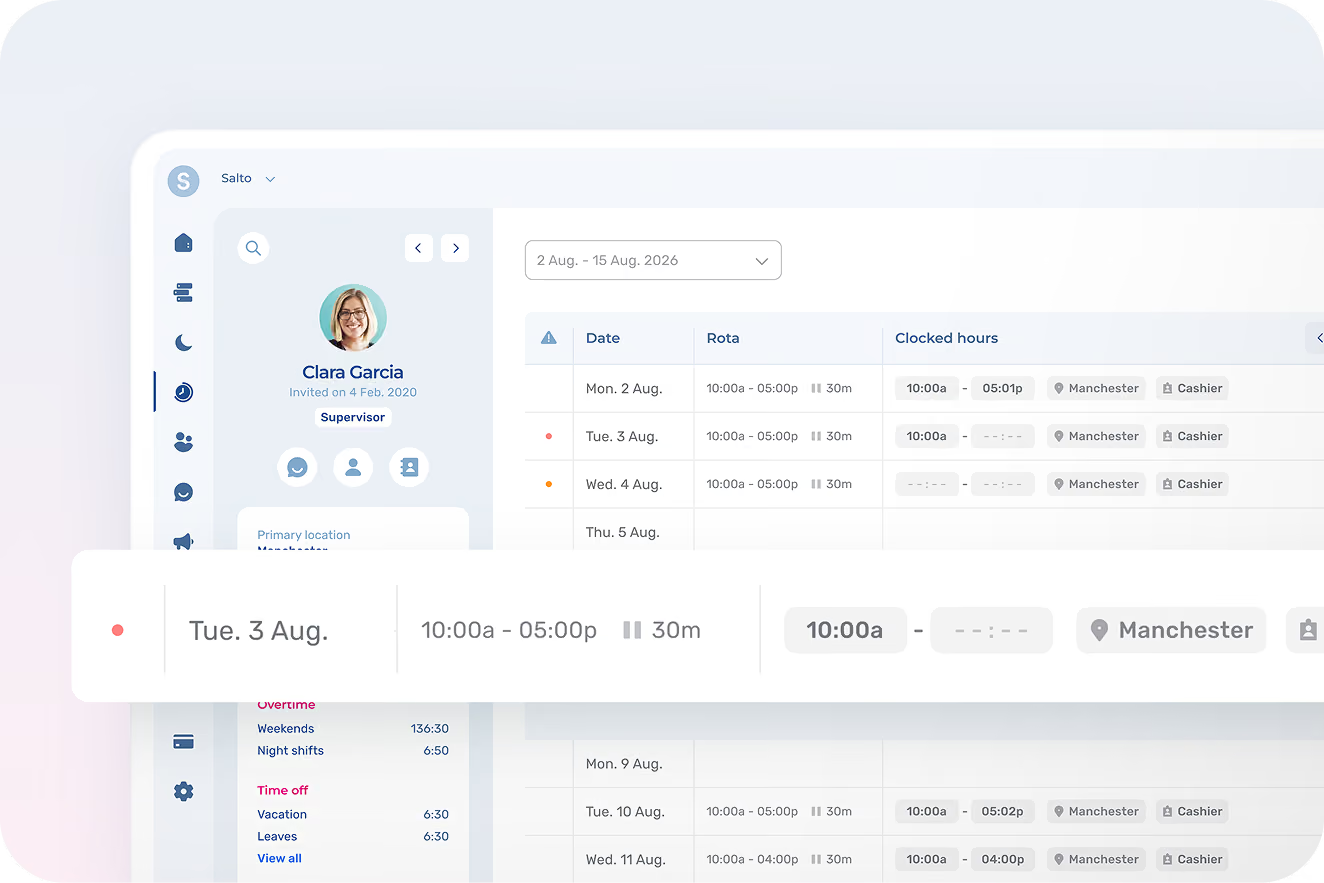
Self-service timesheets
If your employees are responsible for filling in their own timesheets, simply give them access to Timetastic, where they can do it themselves in a matter of seconds. Perfect for paperless time tracking.
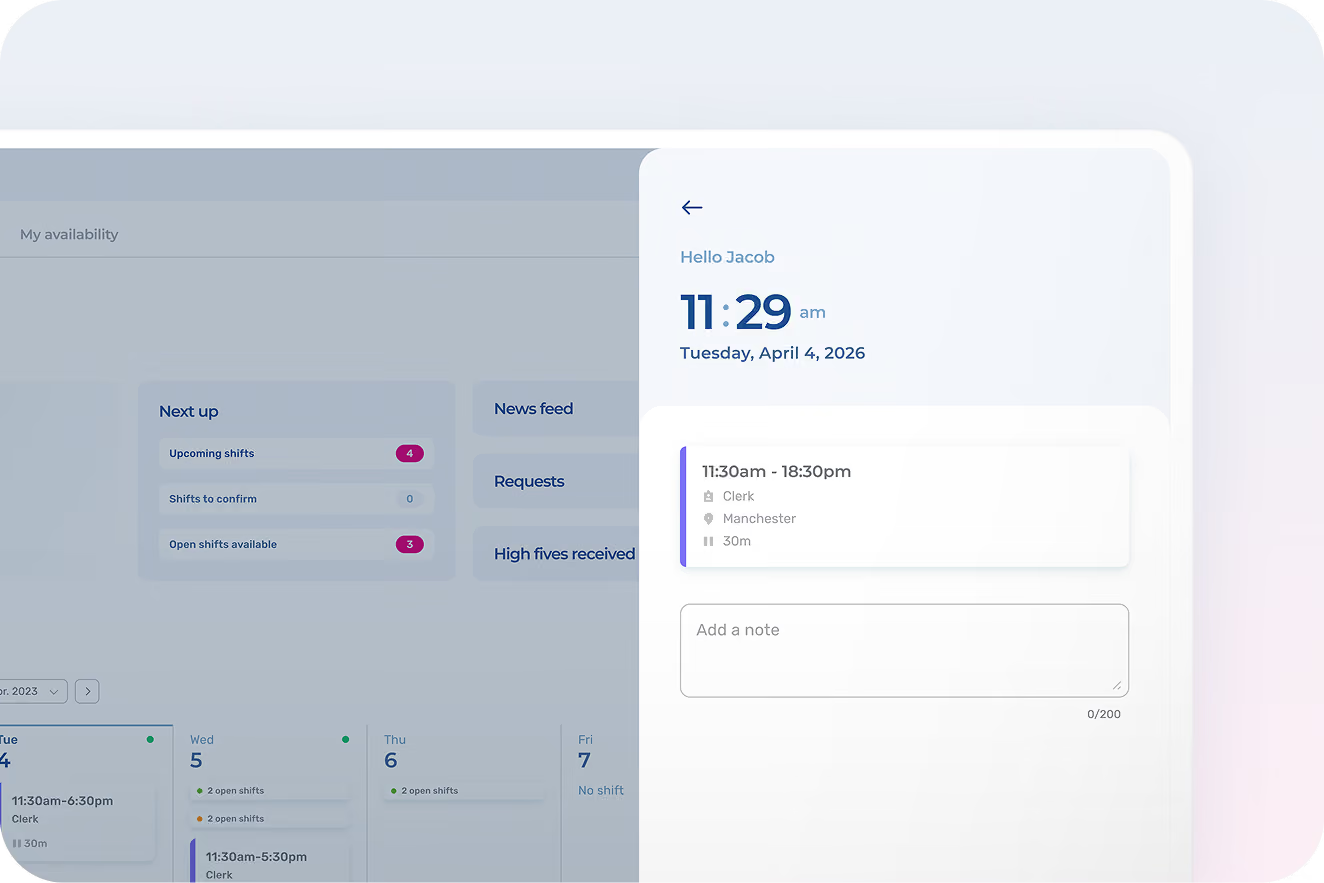
IP-restricted computer clocking
Enable your employees to clock in and out from their work computer. To tighten security, you can also restrict clock-in/clock-out to specific IP addresses, such as the office or the employee’s home.
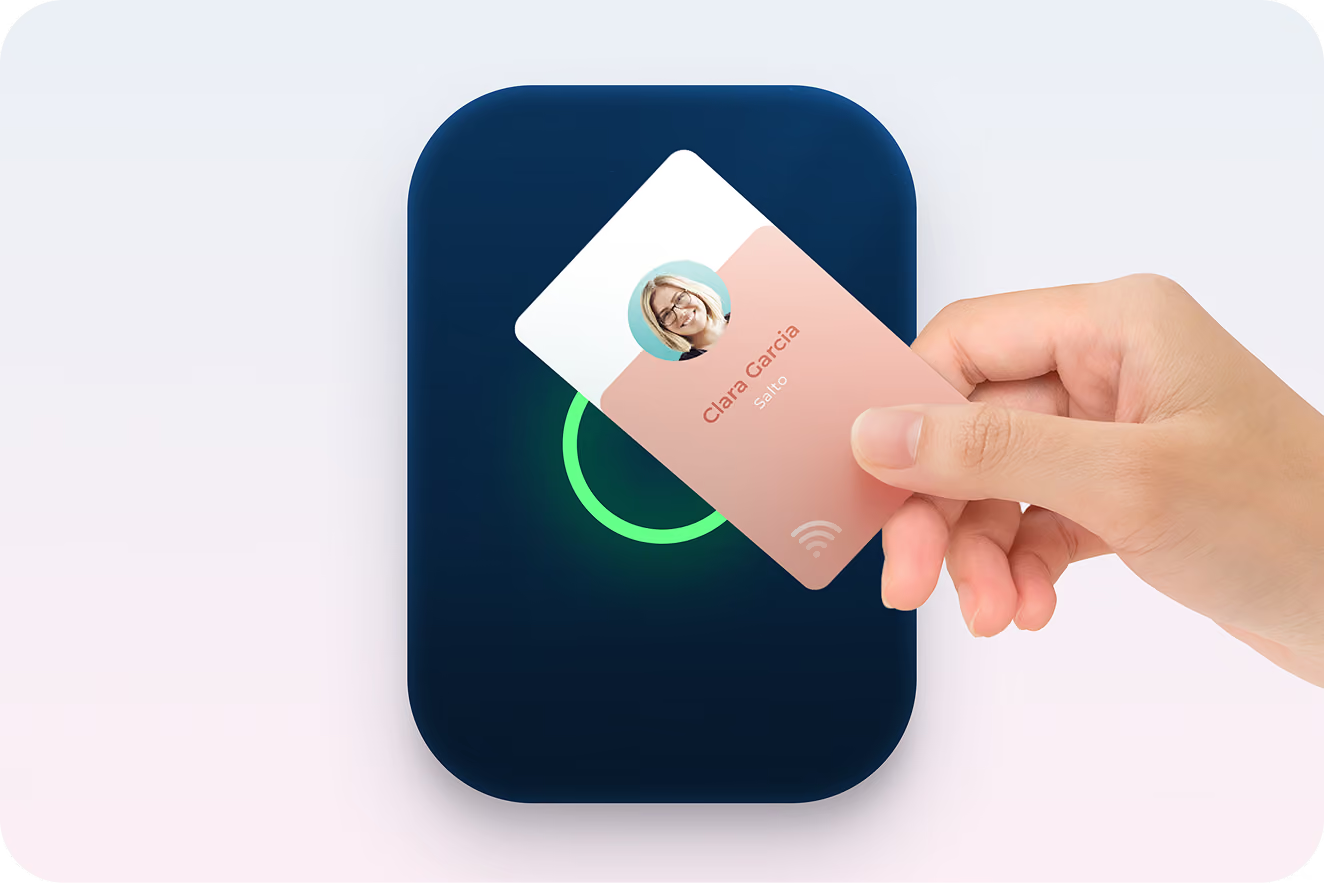
RFID time punch clock
Turn the tablet or computer of your choice into an RFID electronic punch clock by simply connecting the appropriate reader. Works with RFID cards, chips, badges, and tokens.
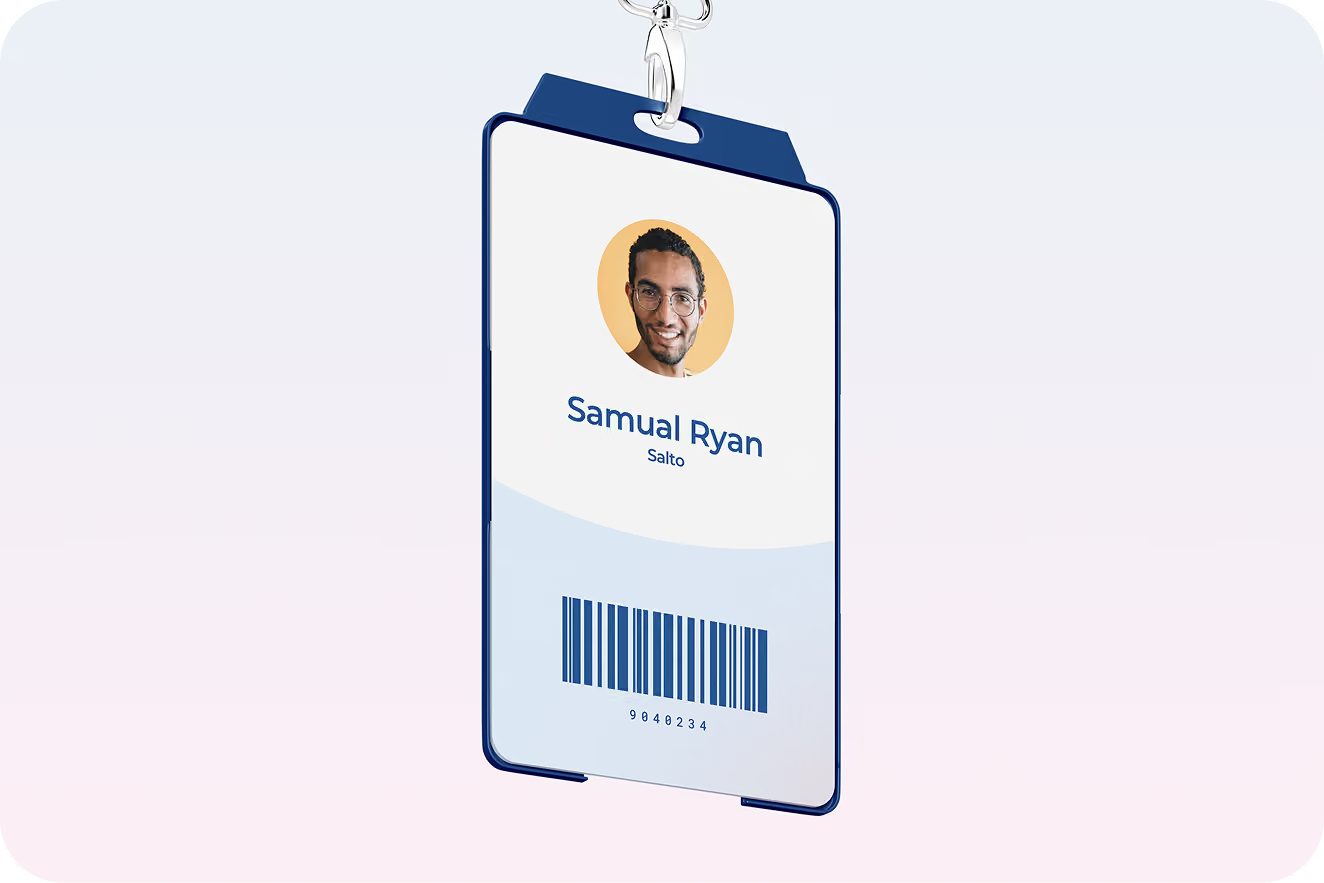
Barcode punch clock
Integrate Timetastic’s time and attendance system with any barcode reader connected to a punch clock terminal. The perfect solution for companies already using barcodes to manage access to their premises.
The simplest HR solution for busy managers
Built with the input of people who actually give a shift
We’ve been working closely with some of Timetastic’s most experienced admins, leaders who have been managing shifts and rotas for years. Here’s what they have to say about the experience.







Leave management software FAQs
They clock in anyway. The shared tablet kiosk covers anyone with a PIN or their face. The landline option covers locations with no internet at all: employees call in, the system logs the clock-in or login. Nobody needs to install anything, and employees don't need an email address to be added to the system.
In the US, the 7-minute rule lets employers round the time entry to the nearest quarter-hour: 7 minutes or less rounds down, 8 or more rounds up, and the Department of Labor requires the rounding to stay neutral over time rather than consistently favouring the employer. In the UK, the safer practice is paying actual minutes worked, especially near minimum wage. Timetastic's Rota and Time Clock records the exact hours and minutes clocked-in either way, so whichever policy you run, the underlying record is true to the minute.
That's the question that decides whether any time clock works. Clocking in with Timetastic's Rota and Time Clock is one tap on a phone or one glance at the kiosk, and employees get something back: their schedule, their hours so far, their timesheet, all visible in the same app. Teams that see their own data stop treating the clock as surveillance and start treating it as their record too. Similar apps report over 40,000 five-star reviews from frontline teams which say that the habit sticks.
On their own. Every clock-in feeds a timesheet that's already reconciled against the schedule, with anomalies flagged for approval. Approved timesheets export to your payroll software, including QuickBooks, ADP Workforce Now, Nethris, Sage 50, and Ceridian Powerpay, or download as a file your accountant can use. The pay period ends and the numbers are already there.
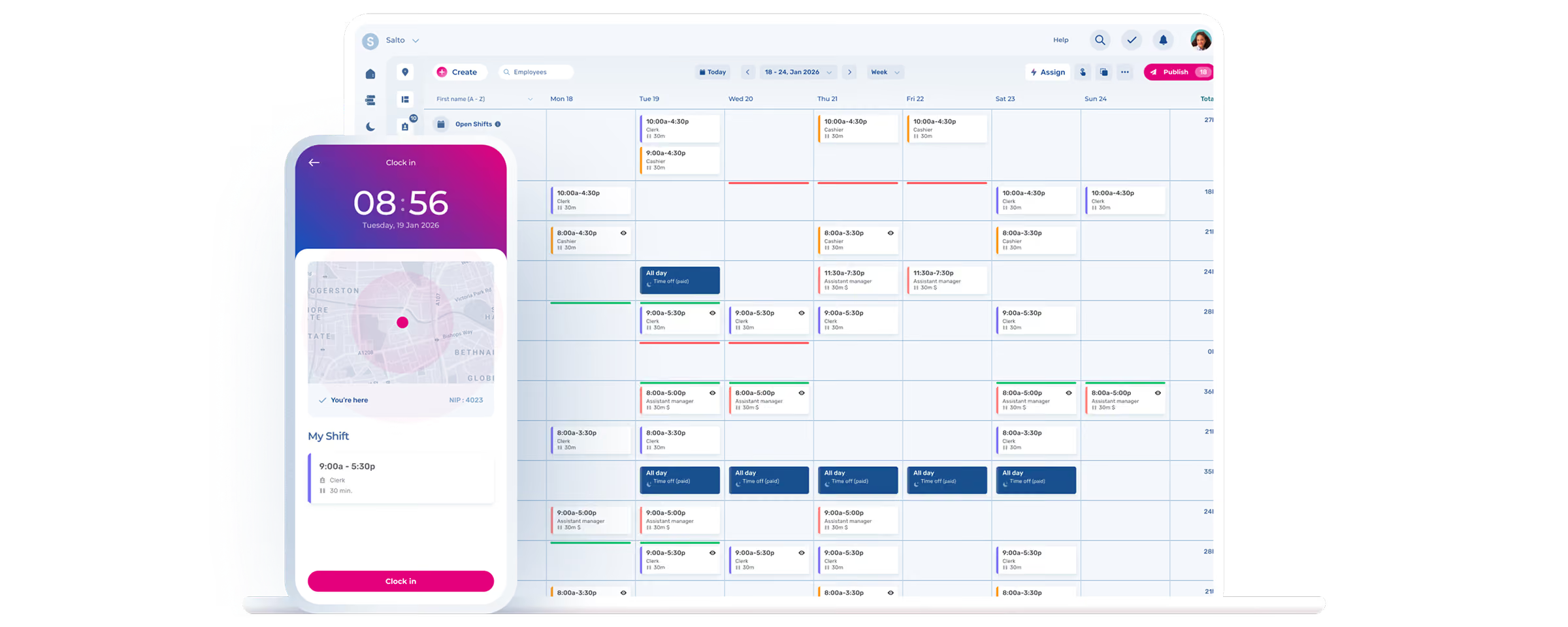
No more Sunday-night rota
Build the week (or month) and publish it in minutes, not hours.