
Trade your Excel spreadsheet for a modern annual leave tracker
Track annual leave the smart way with Timetastic.

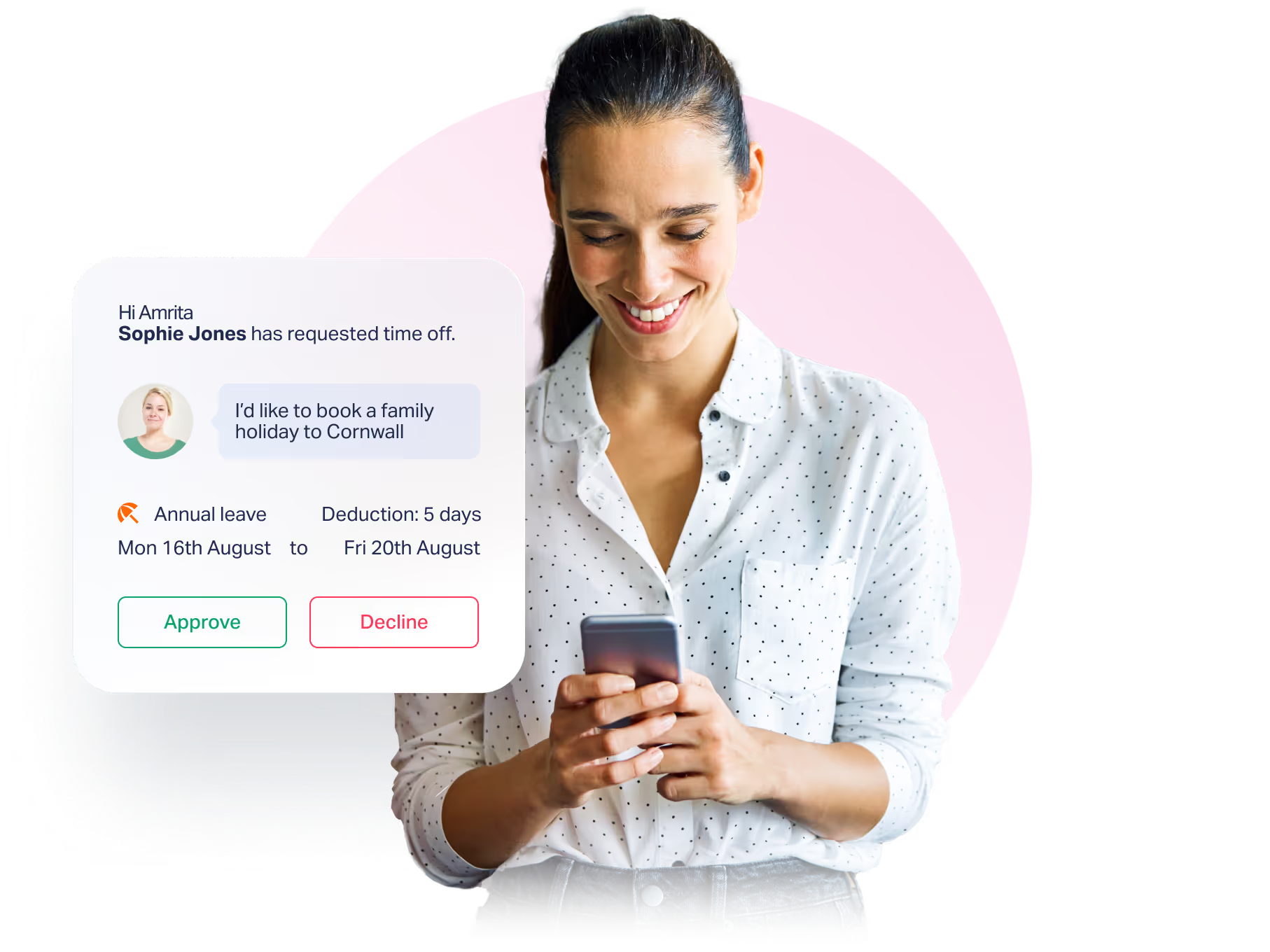
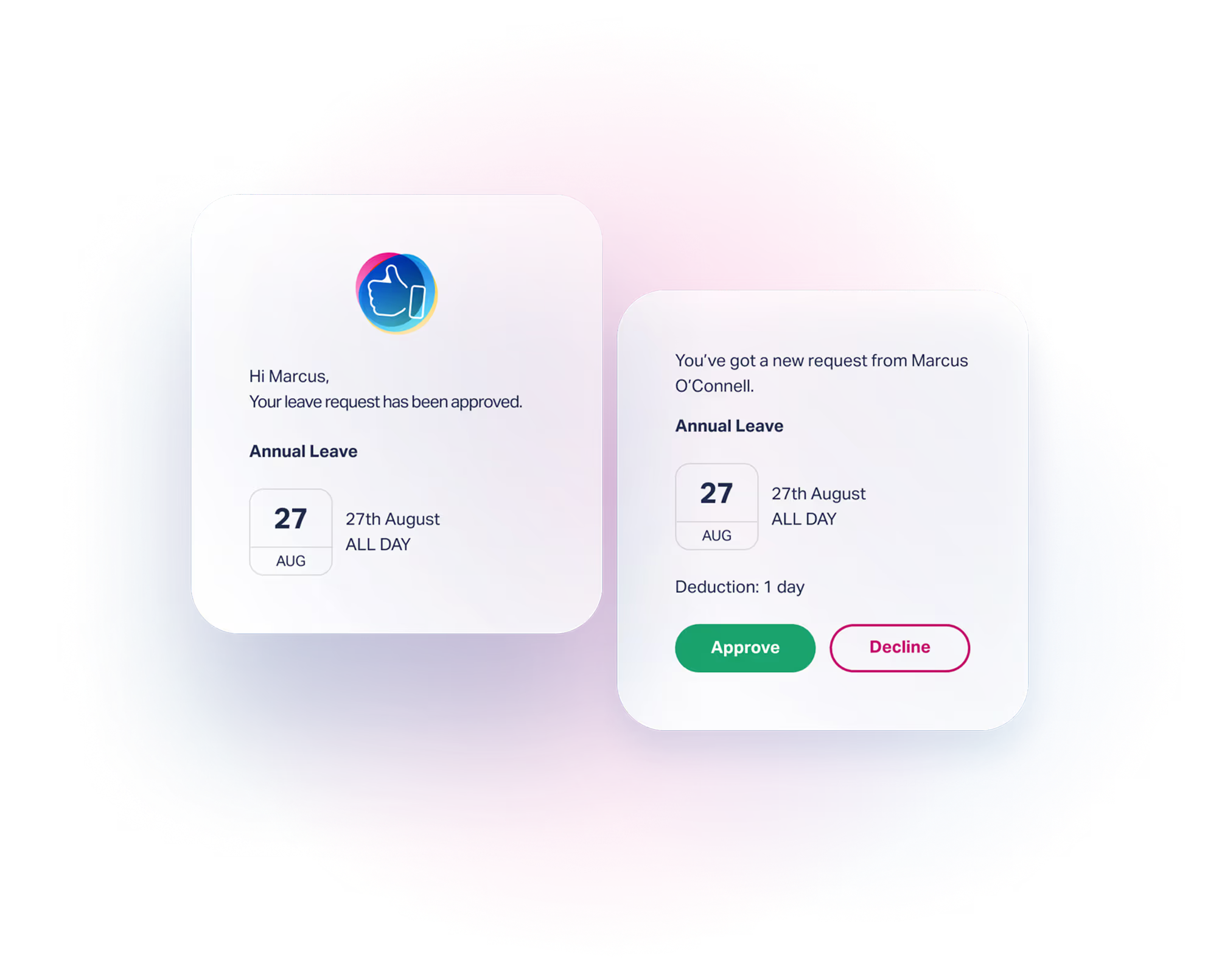
Approve time off, no back-and-forth
Streamline your business operations with a hassle-free approach to tracking annual leave. Timetastic’s annual leave tracker is an upgrade from your standard Excel spreadsheet. Sign up today and you’ll be able to:

Annual leave Excel tracker drawbacks
It’s easy to find a free Excel template to download to track annual leave for your staff. You’ll find plenty online, but do they really offer efficiency?
An annual leave Excel template means:
Access to Timetastic makes managing your staff a whole lot easier.

An annual leave tracker alternative that ticks all the boxes
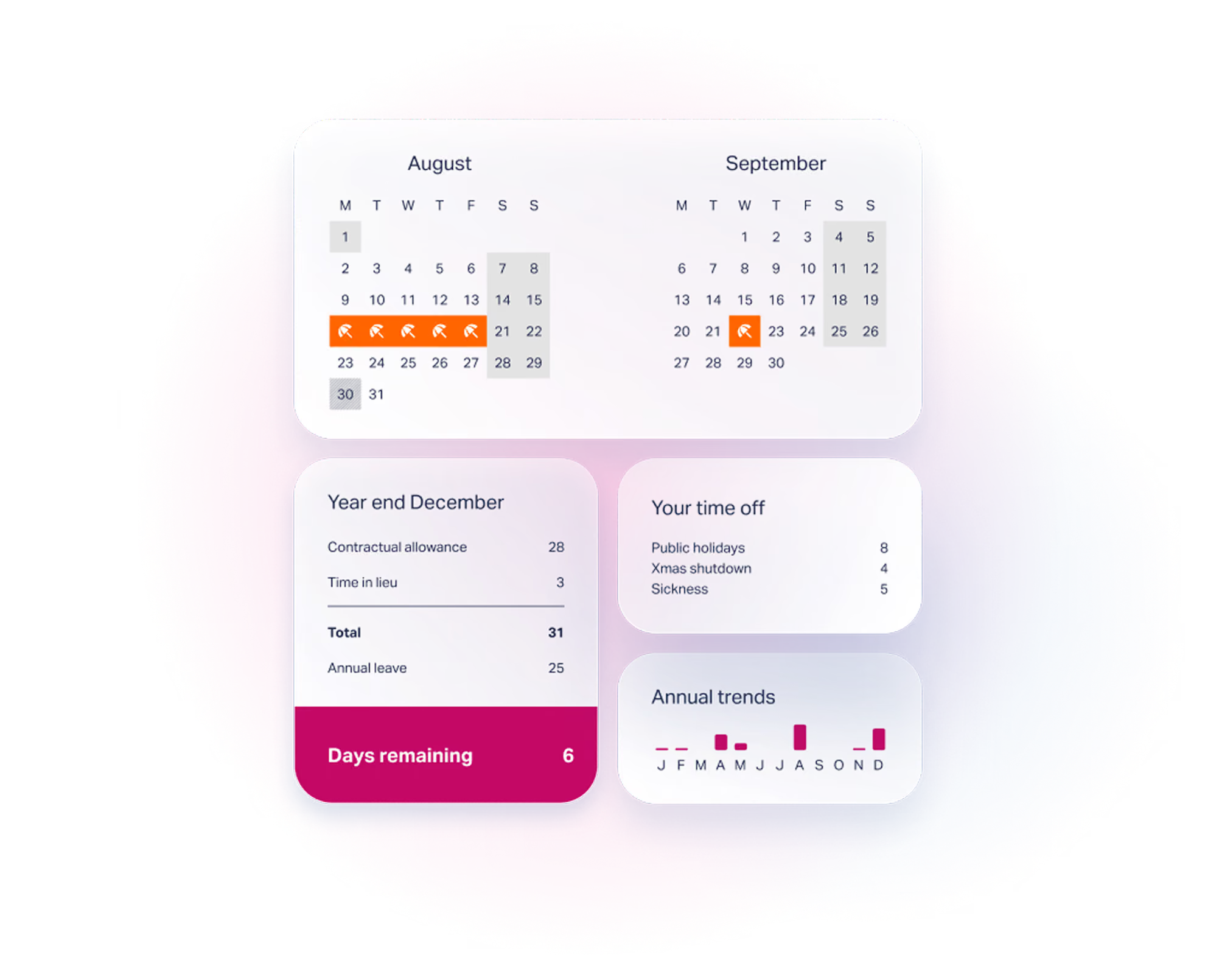
Every business owner, manager and team leader loves a tool that can make management simpler. Timetastic’s annual leave tracker does just that — and then some! Sign up today and you’ll get access to these handy features instantly:
Get on top of annual leave with Timetastic
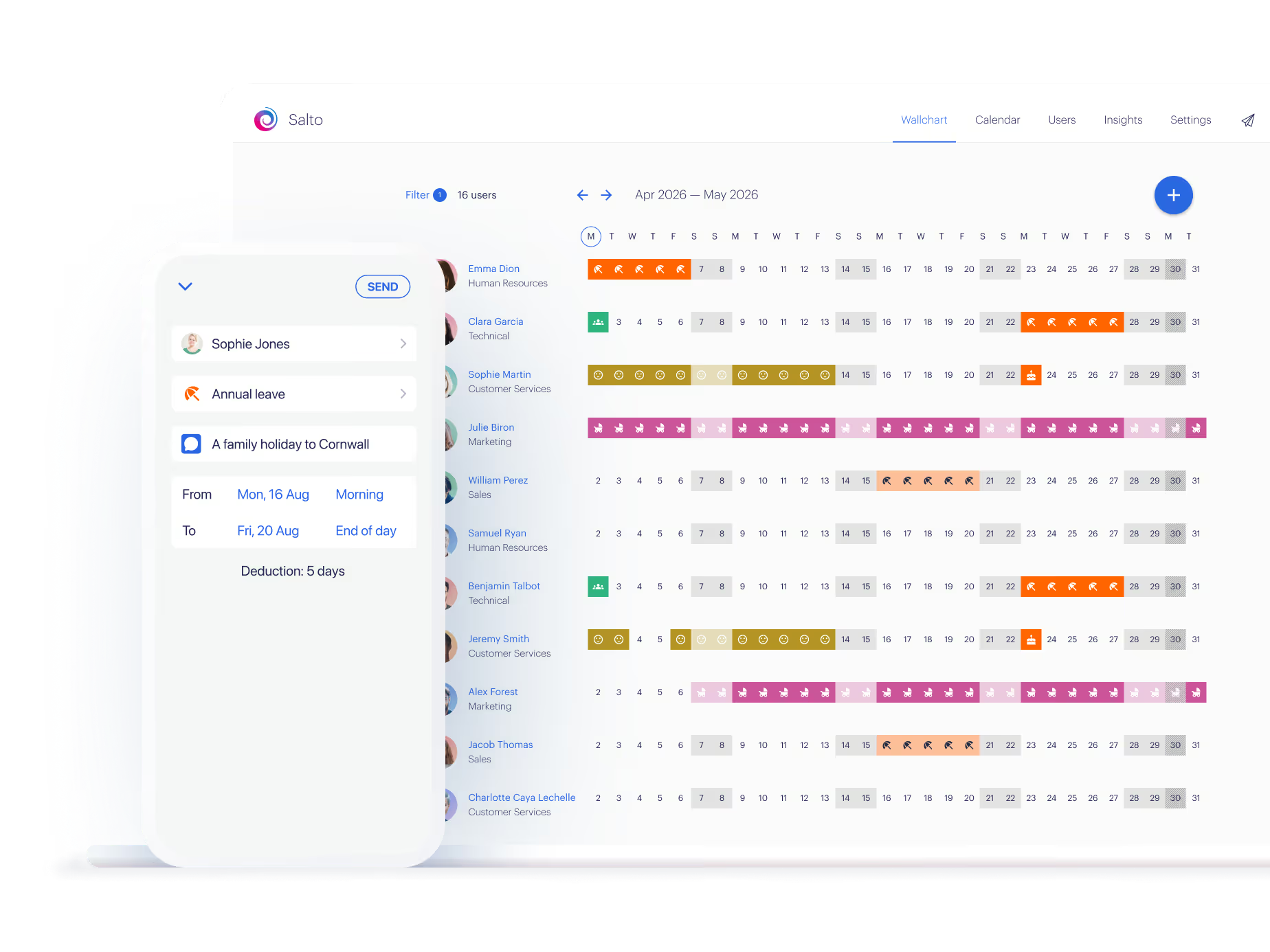
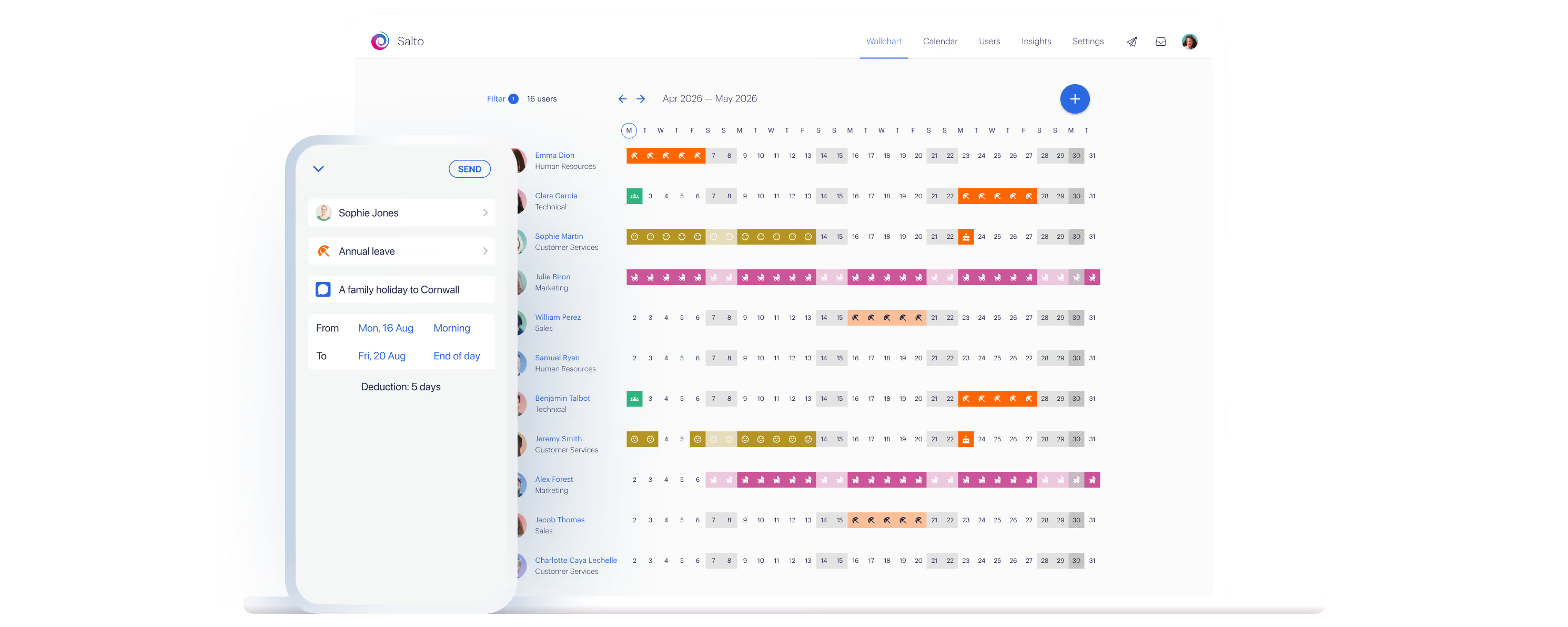
Meet the Wallchart, every person's leave on one screen.
Because the whole team sees the same picture, people space their bookings out on their own; fewer clashes for you to untangle.
And when a request does land, you approve it in a click, right where you can see who's already away.
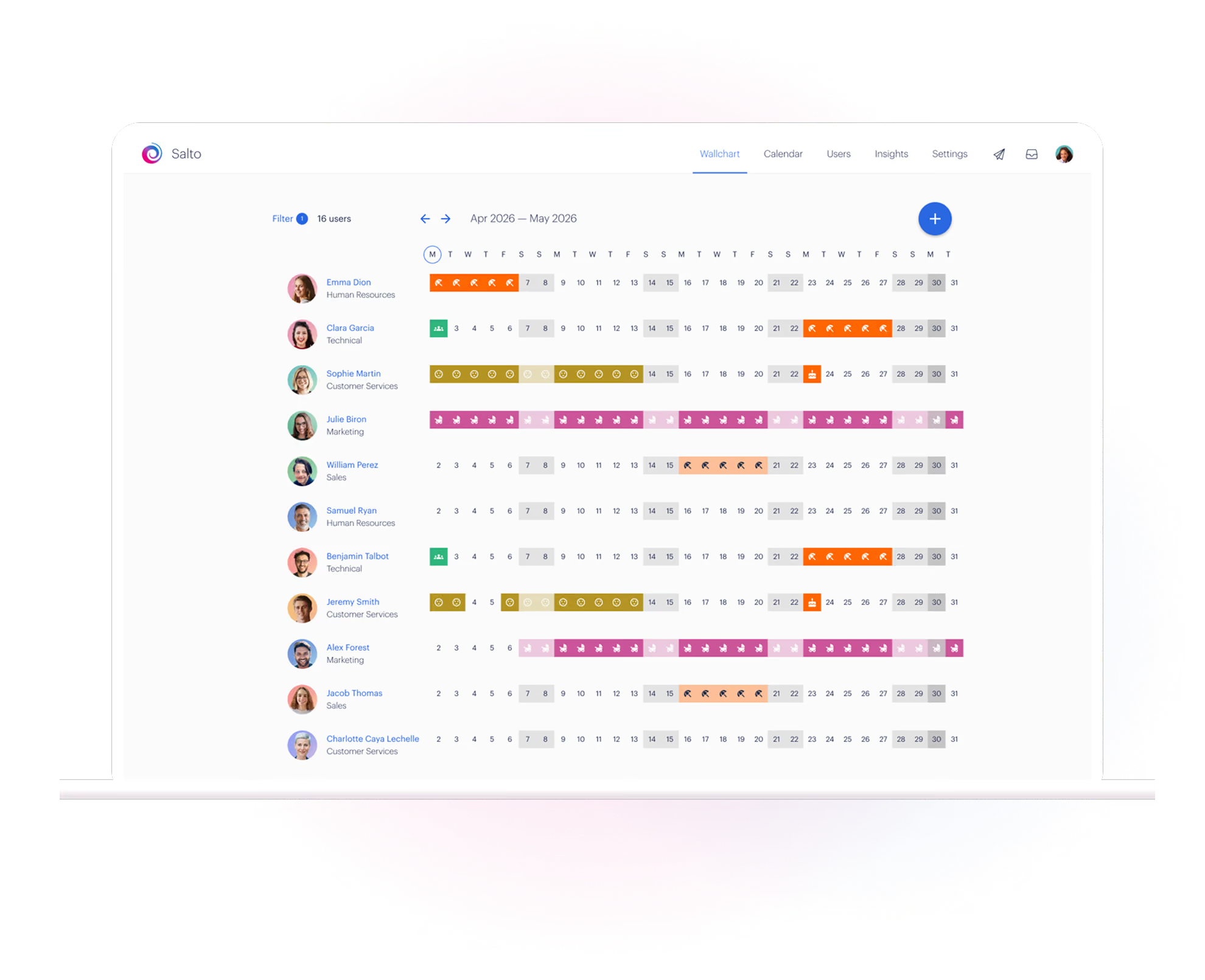
Flexible annual leave tracking
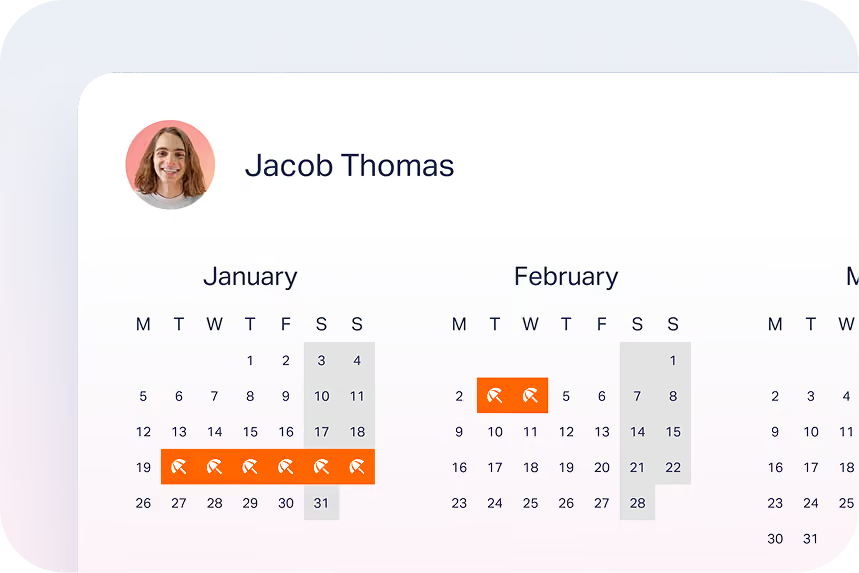
Personalised calendars
Individual leave calendars for each employee — transparency with a personal touch.
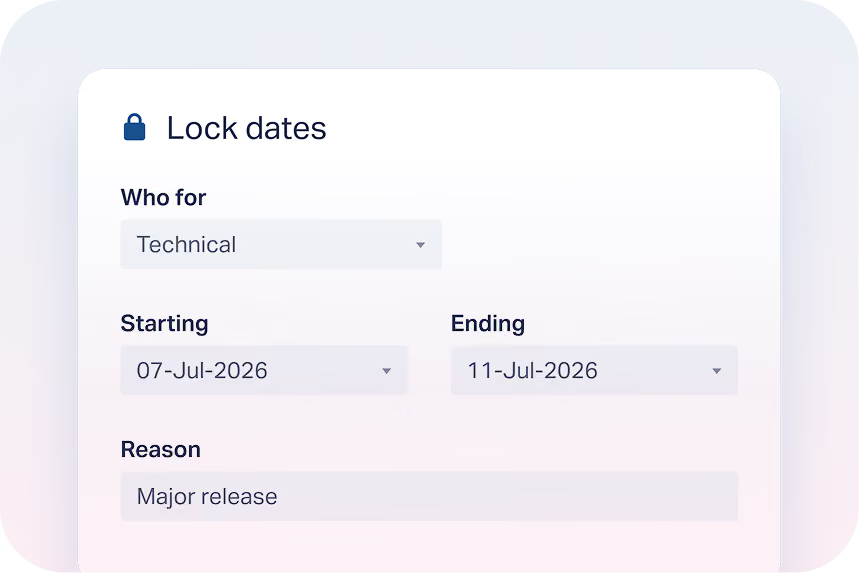
Locked dates
Use our handy lock feature to block out leave for staff training or corporate away days.
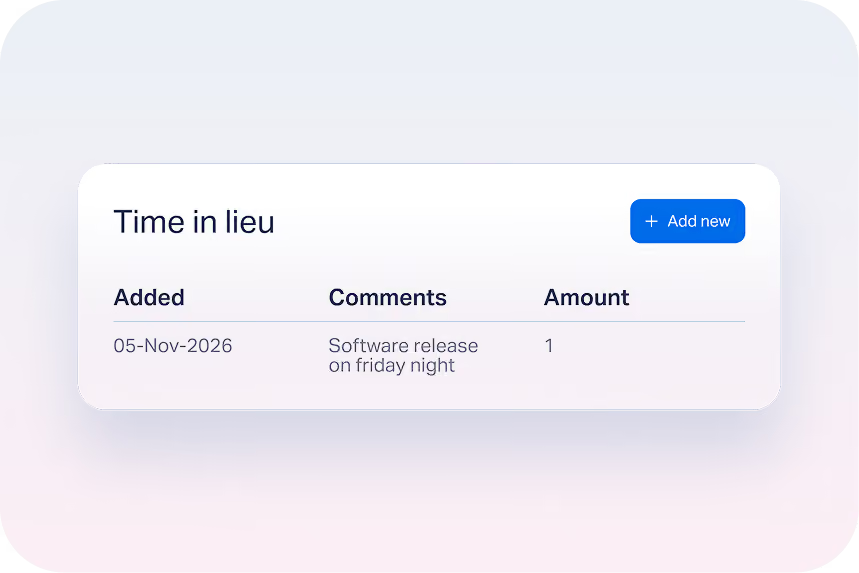
TOIL tracking
Employees can utilise the Timetastic app to submit any time off in lieu of hours.
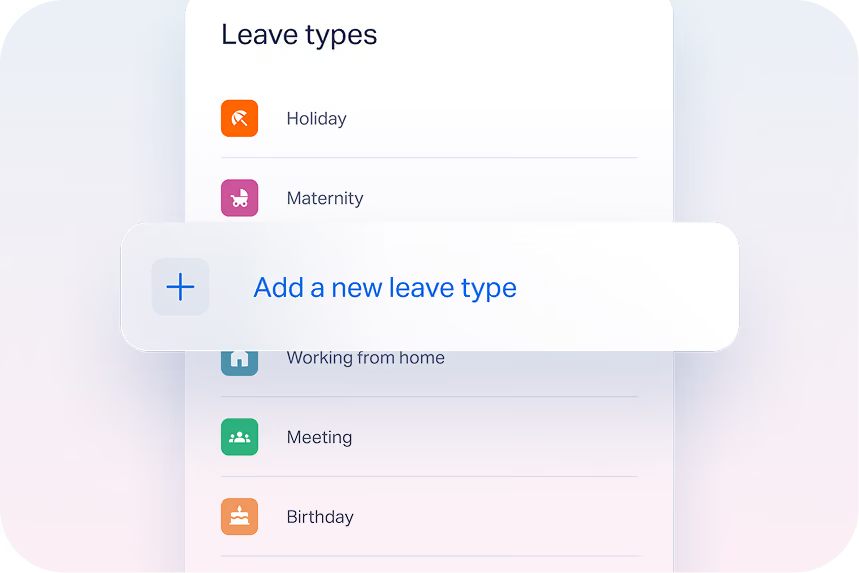
Customised leave types
Create your own custom leave types such as maternity, paternity, compassionate and bereavement leave.
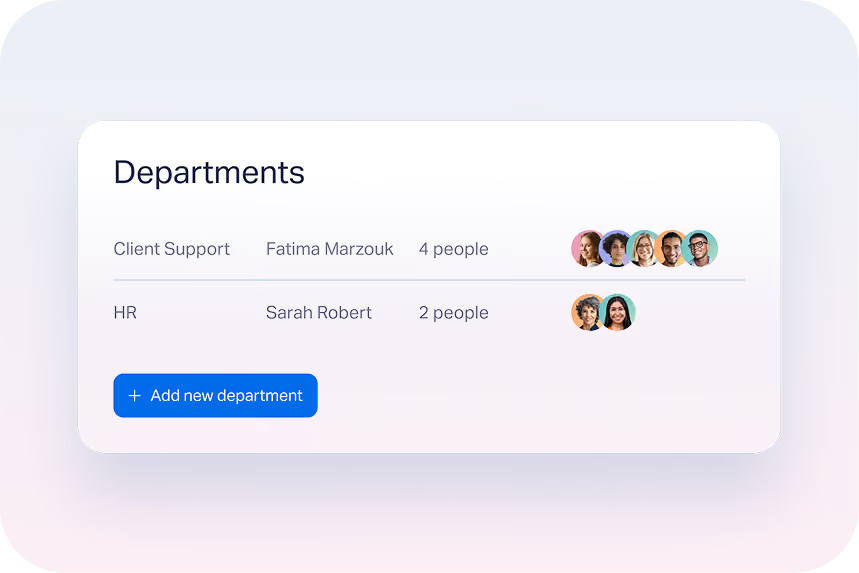
Set up department groups
Group employees by department, set minimum staffing levels and highlight any clashes before approving any leave requests.
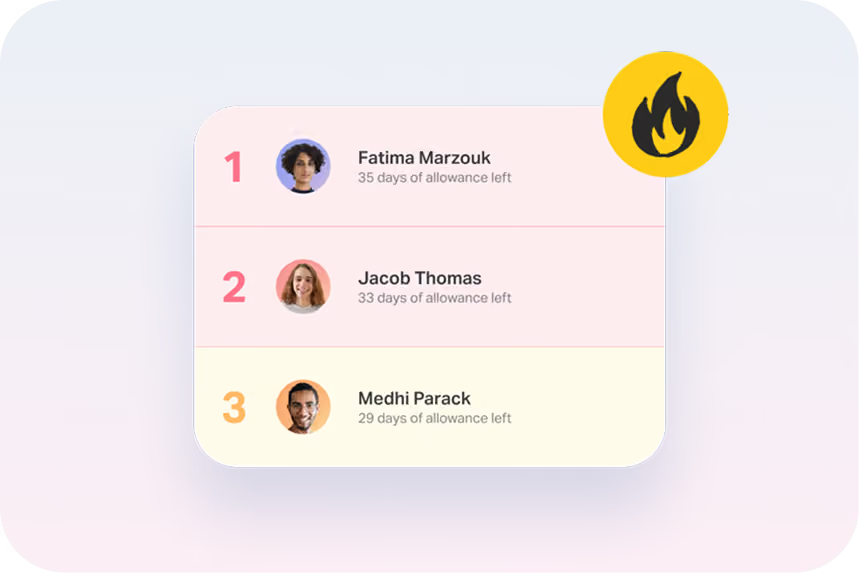
Monitor stress and burnout levels
Take care of your staff with our Burnout Board® and encourage staff to take leave.
The 5 star reviews just keep coming
Discover how we transformed leave management for our customers
Over 10,000 businesses use Timetastic as their go-to annual leave management software for tracking annual leave. Capterra rates Timetastic’s leave management system with a rating of 4.7 out of 5 stars, with 552 reviews. Check out what some of our customers have had to say:







Happier with Timetastic
Timetastic makes it easy for you to manage staff absence, rotas, attendance, HR documents and more. Whatever the size of your business, whichever industry you are in, Timetastic simply works.

Read how people like you use Timetastic
Their stories tell us how they took control of absence management and became healthier, happier places to work
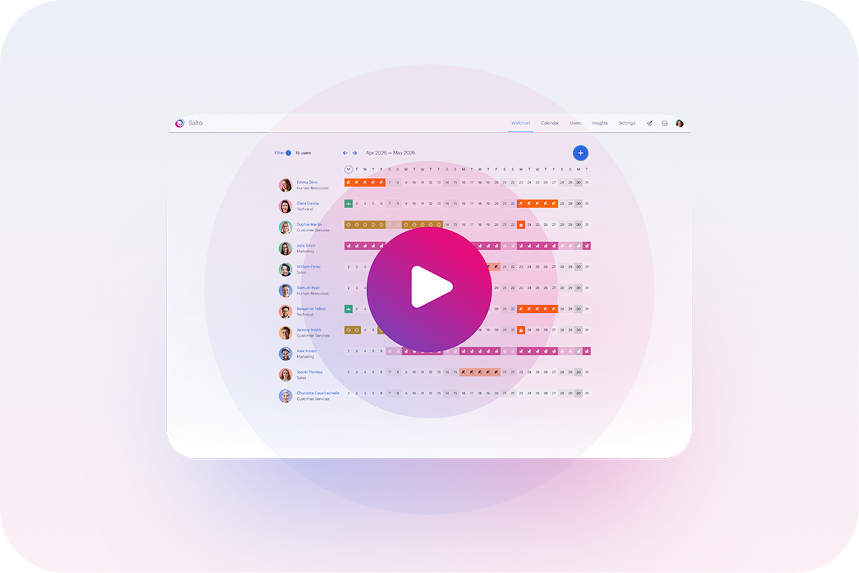
Watch how Timetastic works in just 10 minutes
Take a quick tour of the platform at your own pace and discover how easy it is to manage time off, schedules, and team visibility.

Book a live demo with the Timetastic team
Have questions or want a closer look? Book a live demo and we’ll show you how Timetastic can fit your team.
Mobile apps too
Your team can make use of the leave management software apps for Android and Apple to book an absence. No need to be in the office, everything is instantly tracked!
Leave management software FAQs
Leave management software typically comes with features that help you follow your policies and regulations regarding employee leave. These include keeping a record of time off work and automated notifications for leave request approvals. Plus, Timetastic gives you reports and analytics on various aspects of leave management, such as usage trends, and other important metrics.
We’re confident they will. You’ve got over two and a half thousand reviews to read here, and at the time of writing, 92% of users recommend Timetastic. You can’t go far wrong with numbers like those. 😀
Timetastic is priced on a per user/employee basis and paid on a monthly subscription. As it’s a subscription there are no long-term contracts or tie-ins and you can cancel anytime you like. View our current pricing here.
We also have a good causes discount scheme - 50% off for charities, NHS Trusts, B Corps, 1% for the Planet Members, or Fair Tax Mark companies.
Take a look at our Help Centre for detailed articles on getting the most for Timetastic or contact our friendly Support Team.
275,000+ people book their time off here
Set it up for your team before the next request lands.